01
Product Overview
Read this manual carefully before use, and retain it for future reference.
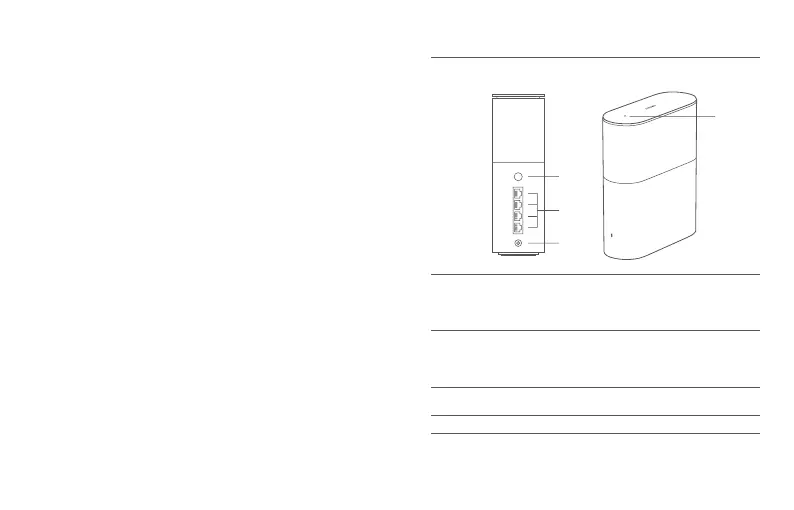
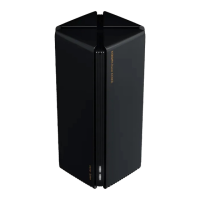
NFC area
Simply touch the NFC area of your phone to the top
of the router to quickly connect to Wi-Fi. To use this
feature, enable the NFC function on your Android
phone, and keep your phone unlocked.
Note: Illustrations of product, accessories, and user interface in the user
manual are for reference purposes only. Actual product and functions
may vary due to product enhancements.
Mesh/Reset
button
Power port
Connect the power adapter to the router.
Network port
4 WAN/LAN auto-sensing ports
(1 × 2.5 Gbps + 3 × 1 Gbps).
Press the button to have Mesh networking with
routers that support the Xiaomi Mesh function.
Press and hold the button for 5 seconds to restore
the router to its factory settings.









 To Next Page