0302
Indicator Status
Off The router is off or unplugged.
The system is starting up or a network
connection error occurred.
The satellite router is connecting to the
main router.
The router is working properly.
The new added satellite router is connecting
to the Mesh networking or the system is
updating.
A new satellite router is discovered. The
indicator will automatically turn blue if there
is no operation for Mesh networking within
2 minutes.
The router is started and the system is ready
for configuration.
Orange
Blinking orange
Breathing orange
Blue
Breathing blue
Blinking blue
Description
Network Configuration
Preparation before the Configuration
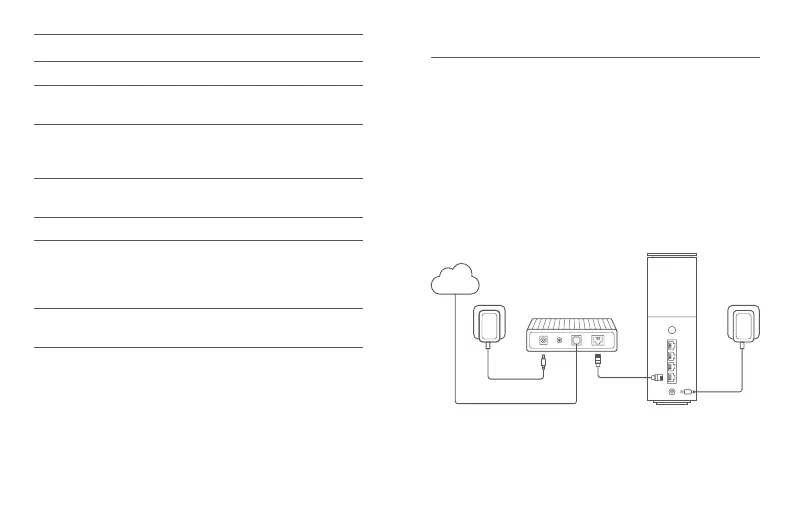
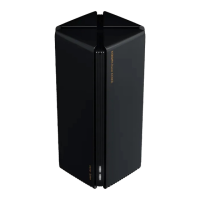
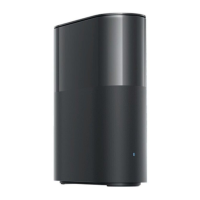
1. Connect the router to power, then the router will automatically turn on.
Note: For the product of 2-pack or 3-pack version, connect any of the
routers as the main router to power. Then the router will automatically
turn on.
3. Plug one end of the network cable into either of the router's port, and
the other end into the LAN port of the modem.
Note: If you use the Ethernet wall socket instead of the modem, directly
plug the network cable into it.
2. Restart your modem.
Note: The modem is provided by your Internet service provider.
Internet









 To Next Page