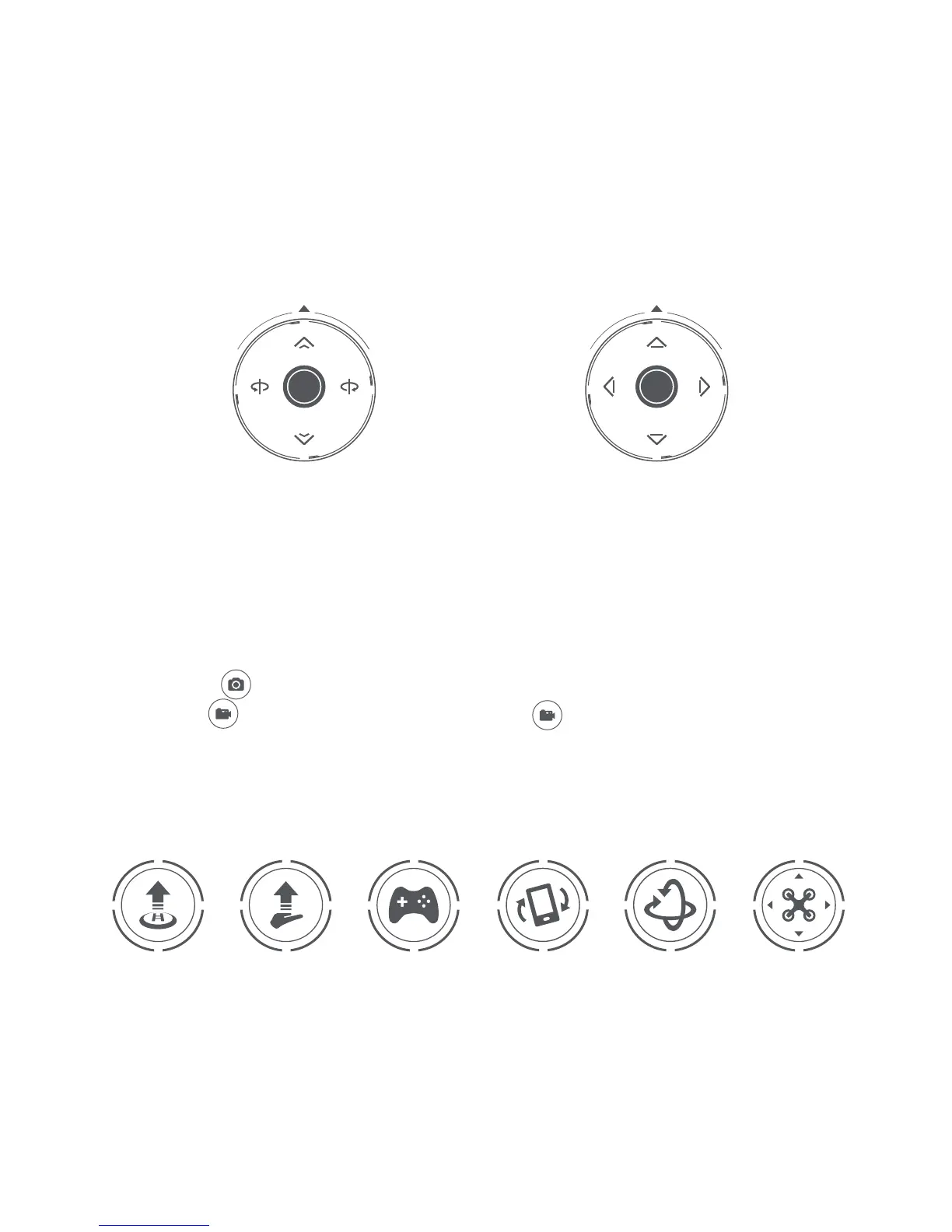
4. Joystick control
5. Photos/Video
Photos: tap “ ” once to take one photo.
Video: Tap“ ” to start your video and then tap“ ” again to finish recording.
Note: Photos or videos can be downloaded to your phone directly through the app or downloaded
through the drone (when it’s on) via a data cable to your computer.
6. Smart flight and control
Ascend
Le Joystick Right Joystick
Descend Go Back
Turn Le Turn Right
Go Forward
Rotate Coun-
terclockwise
Rotate
Clockwise
Joystick seings can be modified from the Mi Drone Mini app
Illustrated with an American hand
One Tap Ascend
Descend
Palm Takeoff Headless Mode
G-Sensor Four
Directional Roll
Infrared Bale


 To Next Page