4
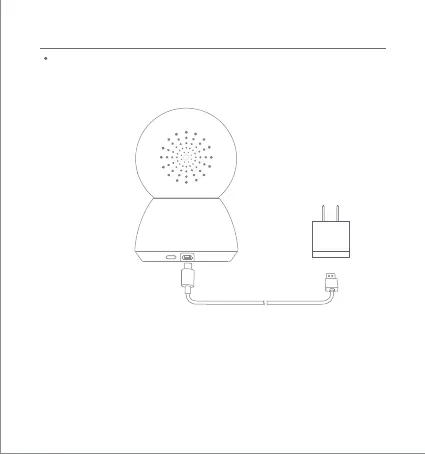
Turning the Device On
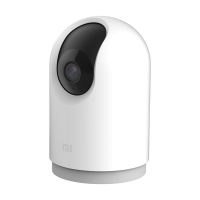
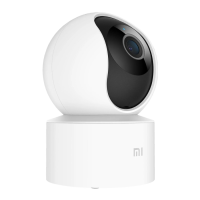
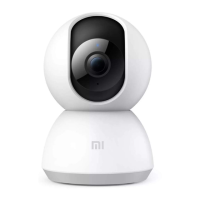
The Mi Home Security Camera will automatically activate once the power
cable is inserted into the Micro-USB charging port.
Product Instructions
reset
If the indicator light is flashing orange, that means the device is activated
successfully. If you do not see a flashing orange light, please press and
hold the Reset buon to restart the device to enter pairing mode.
Once the Mi Home Security Camera is turned on, please do not aempt to
rotate its head by force. If the camera position is incorrect, adjustments
can be made through the app.



 To Next Page