To pause or play the music/video while it is running, press the multi-function key
3. Voice assistant
To turn on the voice assistant, double click the multi-function key
Supports Xiaomi voice control, Siri and Google assistant
Phone needs to support voice control to enable this setting
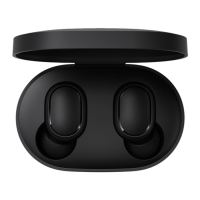
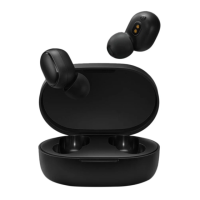
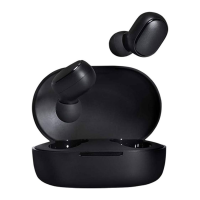
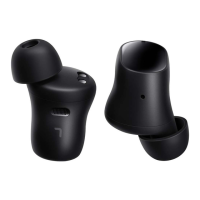
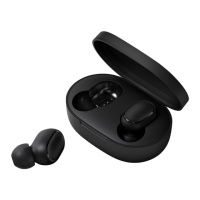
Airdots Headset reset:
Reset is generally used if the product cannot connect successfully.
Press the multi-function key on both Left and right earphones for 15 seconds until the red
and white flashes alternately for 3 times then turns off
Remove or unpair the Xiaomi Redmi Airdots on your smartphone’s Bluetooth device list and
delete the connection record then refresh.
Reset successful and ready to start the pairing process again



 To Previous Page