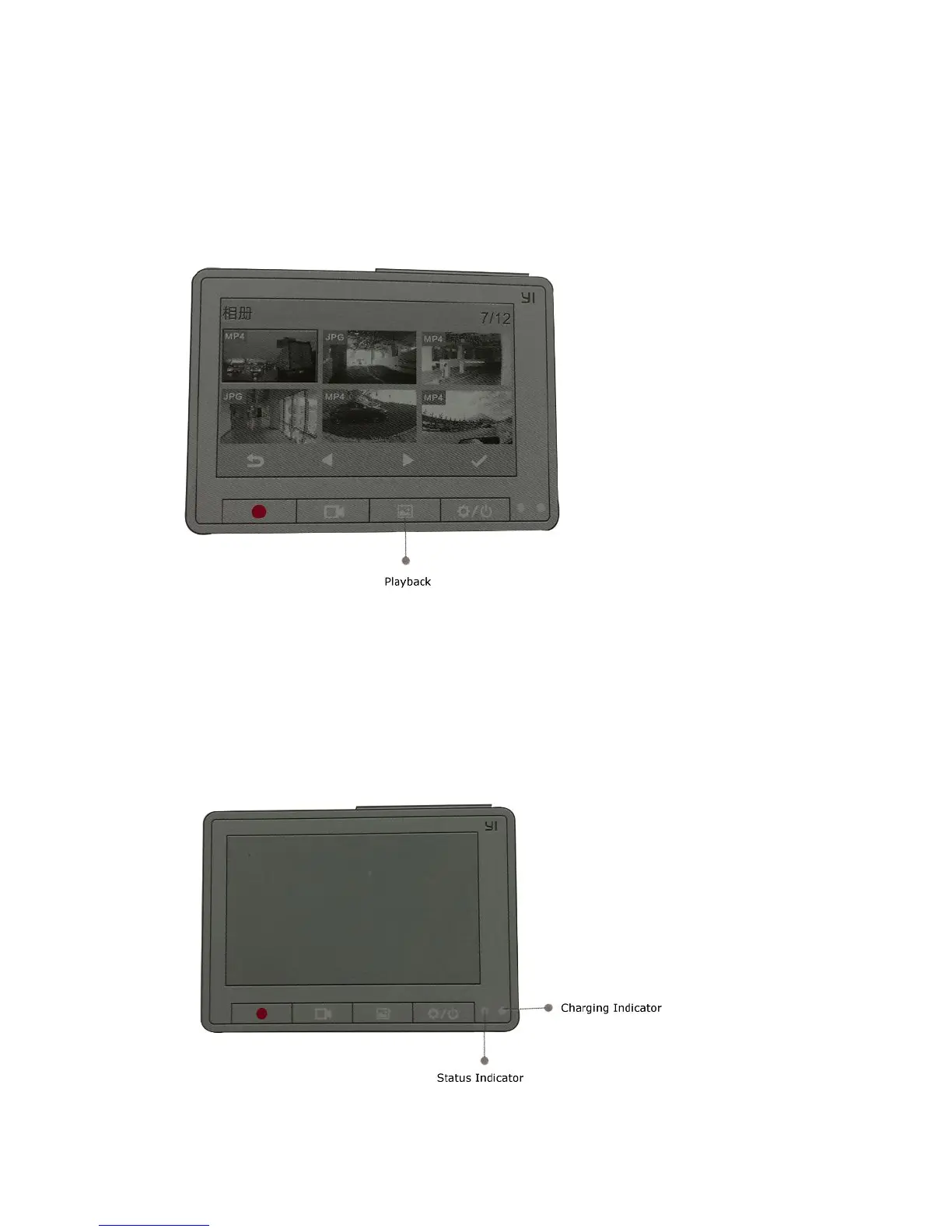
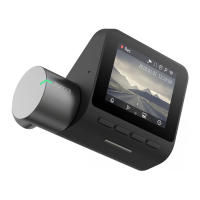
Press the playback button, the recorder will automatically enter the list of thumbnails of media,
through the "left," right "
Selects the previous or next video. Playing Press "OK" button to pause playback, colleagues and
delete pop-up selection box play. Through the "left," right "button oath" Cancel "and" OK "to
delete the video.
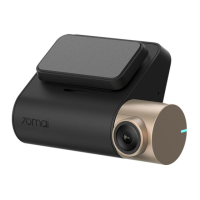
Charging Indicator
1. When charging, the lights lit
2. The charging is completed, the indicator goes off
Status Indicator
1. camera, flashes once per second
2. upgrade. Flashes twice


 To Next Page