17
Voice Dialing does not work
Not all cell phones support this feature.
Some ip cell phones require that the ip cover be opened for this feature to work.
Speed Dialing does not work
Not all cell phones support this feature.
Some ip cell phones require that the ip cover be opened for this feature to work.
Voice Mail access not working
Voice Mail access may have dialed the wrong number.
For this feature to work the voice mail number must be programmed for the desired
line. See section on “Voice Mail”.
How to check software version
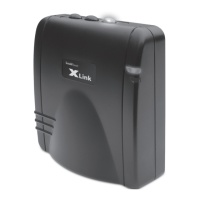
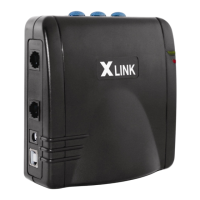
To check the XLink software version, connect a caller ID enabled telephone to the
telephone line jack on the back of the unit. Simultaneously press and hold the line 1
and line 2 buttons for approximately 2 seconds. The phone connected to the unit will
ring and the phone’s display will show the software version information. Pick up the
telephone to stop the ringing.


 To Next Page
 Loading...