3
INTRODUCTION
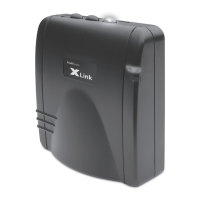
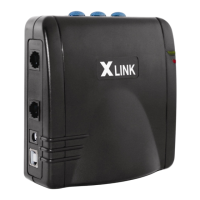
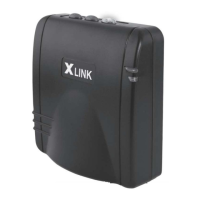
Congratulations on your purchase of the XLink ITC-BTTN Cellular Bluetooth Gateway.
In addition to your regular telephone line you will now be able to access up to 3
Bluetooth enabled cell phones from any standard telephone connected to the XLink.
XLink ITC-BTTN is designed to work with or without telephone service (land line).
WARNING:
• If the RED Error light starts ashing then the lines connected to the XLink
have not been connected properly. In this case immediately check that
connections from the telephone to the XLink and/or from the telephone
service line are correctly installed. When connections are correct the red light
does not ash and the green light remains on.
PACKAGE CONTENTS
Each XLink ITC-BT gift box includes the following.
• XLink ITC-BT Unit
• 9-Volt DC Power Adapter
• Vertical Stand
• Quick Start Guide
• Owner’s Manual
• Telephone Cord

 To Next Page
 Loading...