6
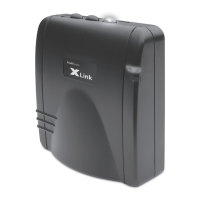
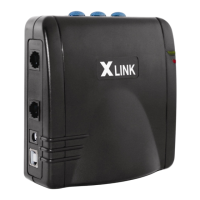
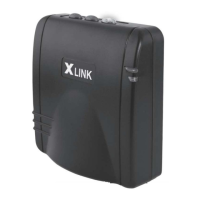
Each XLink ITC-BTTN can be paired to three dierent cell
phones, one for each line. To pair a Bluetooth cell phone to
a line perform the following steps:
1. Press and hold one of the three line buttons on the
XLink ITC-BTTN until it ashes rapidly (keep button
pressed for approximately 4 seconds).
2. Put your cell phone into the mode where it searches for
Bluetooth devices (similar to searching for a Bluetooth car kit). This may be found in
your cell phone’s menu under ‘Tools’, ‘Setup’, ‘Bluetooth’ and/or ‘ Connections’ menu.
If given the choice, search for ‘Handsfree’ devices and select “Look for Devices”. Your
cell phone should then scan/search for Bluetooth devices
3. When the XLink is found XLink will be displayed on your cell phone’s LCD. Accept this
device. In order to accept, your cell phone may ask you to do so by pressing any number
of selections including; ‘select’, ‘bond’, ‘pair’, ‘yes’, ‘ok’, etc.
4. Enter the pass code: 1 2 3 4
5. Once the pairing is complete, the selected line’s blue light button on the XLink will
stop ashing quickly and remain solid.
Once paired, the XLink will remember the cell phone. Automatic connecting occurs
whenever the cell phone is within range (approx. 30ft.) of your XLink.
PAIRING YOUR BLUETOOTH ENABLED CELL PHONE
TO THE XLINK

 To Next Page
 Loading...