• XLR8 Point&Scroll USB mouse extensions for use
with Point&Scroll USB mouse.
• XLR8 software updates
• XLR8 PowerPack software for testing and fractal
graphics generation.
Each folder within the Enhancement Utilities folder contains
an installer for the individual software utility.
Chapter 3 - Installing the Software
Page 16
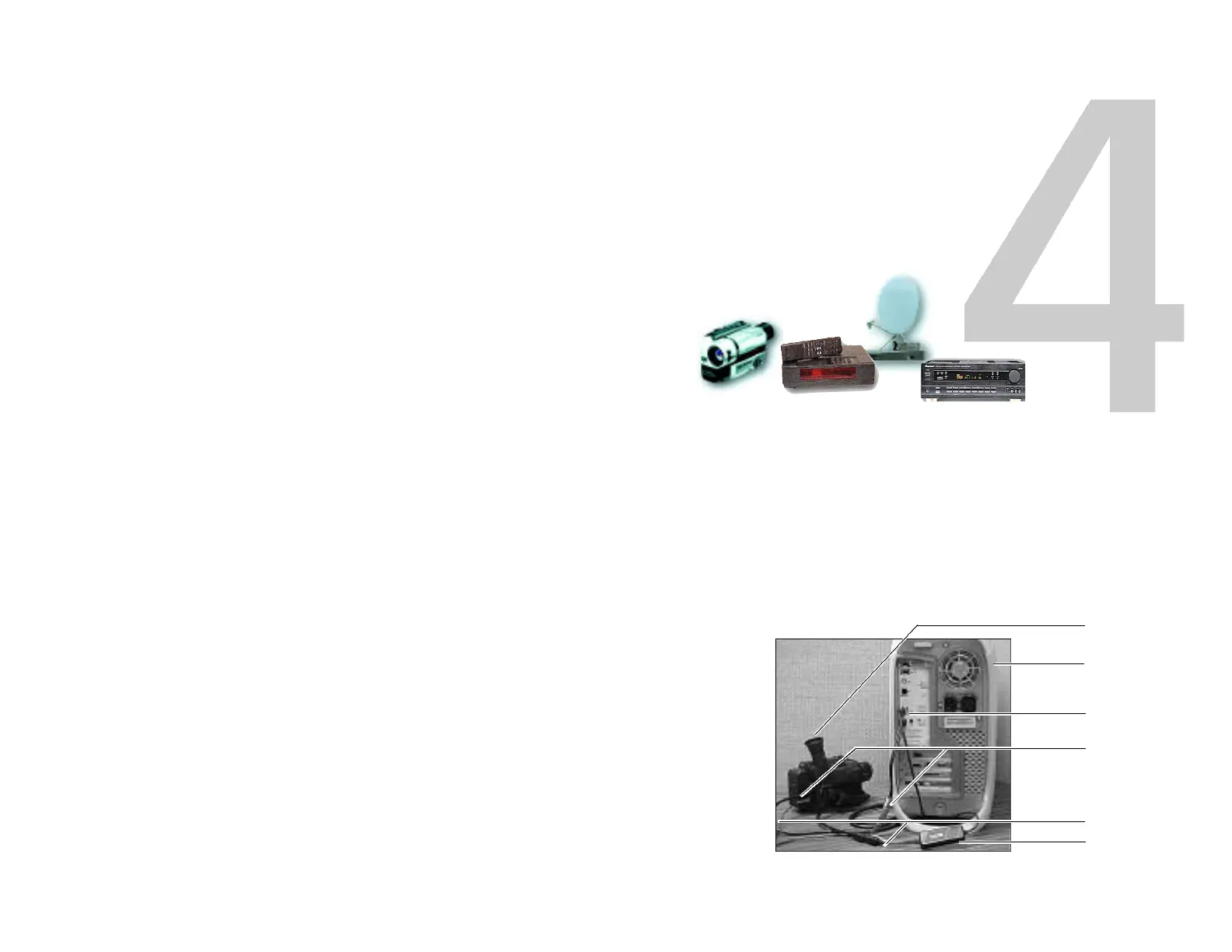
Video
camera
Mac
translucent
G3
USB
connection
Audio
connectors
Video
connectors
InterView
device
InterView configured on translucent G3
Connecting
the
Devices
XLR8’s InterView is fully compatible with Mac USB. Since
USB is a fully “hot-swapable” technology (you can unplug or
re-plug anytime without shutting down), it is easy to connect
the device.
InterView provides the connection between your standard
video sources and your Mac.
This chapter assumes that you are familiar with the connec-
tors and ports on your Mac. If you are unfamiliar with nor-
mal Macintosh hardware basics, you should review the user
manual/CD that came with your system.



 To Next Page