Installing the software
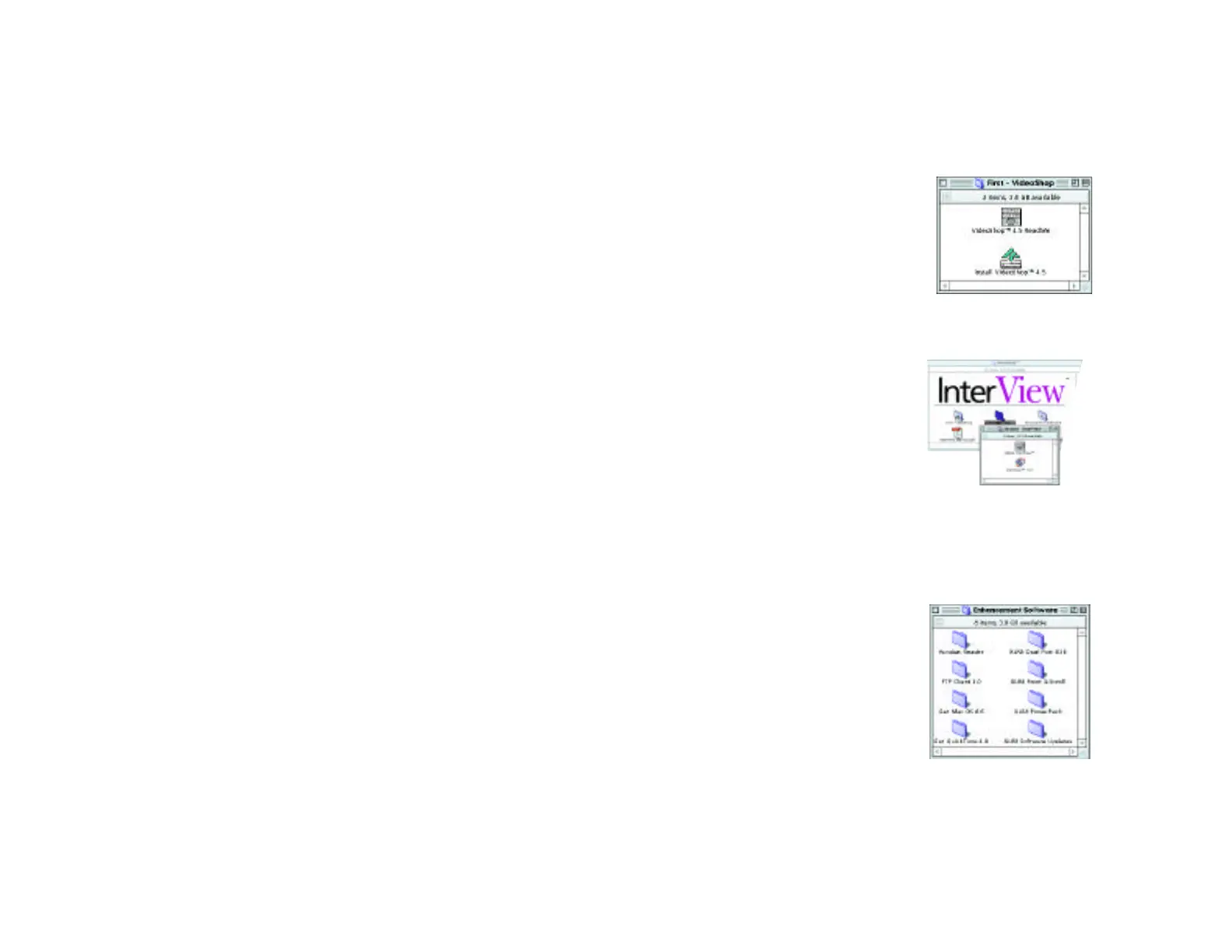
1. Once you have confirmed that you’re running Mac OS 8.6
and the latest firmware updates, open the “First -
VideoShop” folder and run the Strata VideoShop Installer.
• Follow the instructions in the
installer to successfully install
Strata VideoShop onto your
hand drive.
• Quit out of VideoShop, but do
not restart your Mac.
2. Open the “Second - InterView” folder and run the
installer. This will install the USB device drivers for the
InterView device and set your
Strata VideoShop preferences
for using InterView. It will also
create an "XLR8 Folder" con-
taining useful information on
your system drive.
• Follow the instructions in
the installer to successfully install the InterView soft-
ware on your hard drive.
• Restart your Mac.
3. If you desire additional performance and functionality, you
can install the software located in the “Enhancement
Software” folder which includes:
• Acrobat Reader 3.0
(for PDF viewing)
• FTP Client 3.0 shareware
• QuickTime 4.0 for improved
video performance
• XLR8 DualPort USB PCI
card extensions for use with
XLR8’s DualPort
Chapter 3 - Installing the Software
Page 15
Before you install
Before installing the InterView software, you should confirm
that you are running Mac OS 8.6. You can confirm this by
choosing "About This Computer" from the Apple menu
while in the Finder. iMac users must also be sure that they
have the appropriate firmware updates.
You may use the "Get Mac OS 8.6" application in the
"Enhancement Software" folder to go to the XLR8 web site
where you will find more information about obtaining 8.6
and the firmware updaters if necessary.
Software Checklist
❑
Mac OS 8.6 or above
❑
Quicktime 3.0 or above
❑
For iMacs: the latest firmware updates
❑
For translucent G3’s: the latest firmware updates
❑
Adobe Acrobat 3.0 or above for viewing pdf’s
❑
Internet access (required for updating online)
❑
A suitable web file transfer utility (required for posting
movies on the Web)
Note on firmware updates: When updating your
firmware, the updates may inform you that your sys-
tem does not need updating. This is okay since many
systems are shipped with the latest updates.
The latest updates for InterView and USB software are avail-
able via XLR8’s Web site at http://www.XLR8.com/interview.
Assistance in updating to Mac OS 8.6 is available via
http://www.XLR8.com/8.6 or directly from Apple at
http://www.apple.com/macos.
Chapter 3 - Installing the Software
Page 14



 To Next Page