Making movies
The VideoShop manuals on the Strata VideoShop CDs pro-
vide detailed instructions on editing and composing movies.
• The Video Shop tutorial on the InterView CD pro-
vides a “QuickStart” approach for understanding the
full features of VideoShop.
• Refer to the Strata Application CD’s Documentation
folder for instructions on “Editing your Movies.” The
reference manuals provide excellent information on
the use of Strata VideoShop’s powerful features.
The following information is designed to provide a short overview to
allow you to immediately save combined clips into a movie of your
own. Again, the Strata VideoShop Tutorial (on the InterView CD)
and the Reference Manuals (on the Strata Application CD) provide
excellent detailed information on the use of VideoShop.
Using InterView images in a movie
After you have digitized your own clips, they can be used
in a movie like any other media clips. Video clips are
stored in the VideoShop Cache folder (or designated
Digitizing folder), and are automatically placed in the Bin
if a project is open. Still images are stored in the Cache
folder and must be imported into the Bin for use in a
movie.
Adding digitized video clips to the movie
Your new project has two empty tracks: a video track and
an audio track. You can use either Storyboard view or
Time view when adding clips.
• Begin editing by dragging a video clip from the Bin
window onto the video track in the Project window.
• When you add clips composed of multiple types of
media, VideoShop automatically splits up the clip and
places each component into the proper track.
Chapter 5 - Using InterView
Page 39
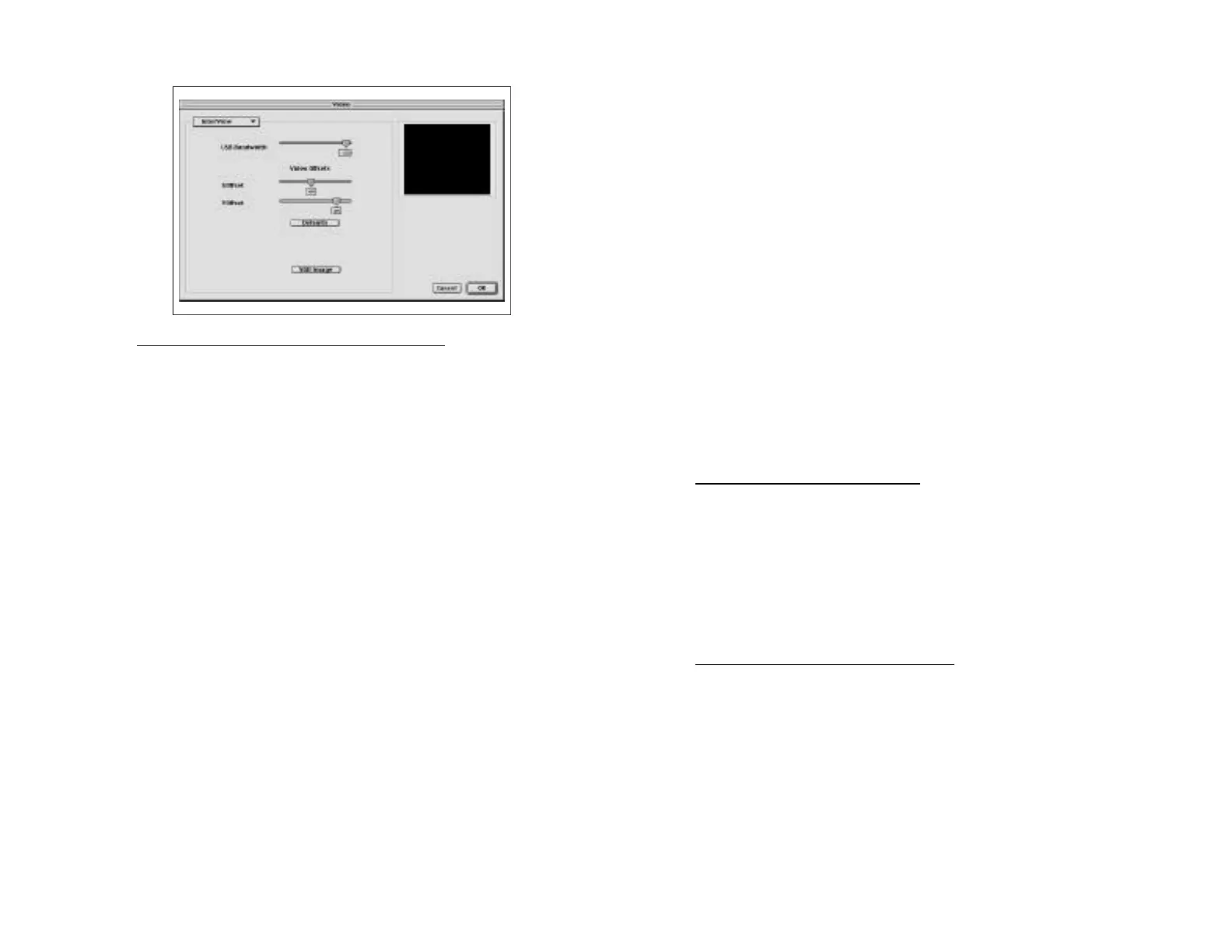
Capturing with InterView’s “Still Image” feature
• Open the Digitizing window.
• Select “Video Settings” in the Digitize menu, then
select “InterView in the pull-down selection.
• Preview the video to capture.
• Click the “Still Image” button to capture a full-frame
image.
• After a brief pause a “Save as” dialog appears. Save
the image with the name and location desired. The
image is saved as a QuickTime file which can be
shared and edited.
Chapter 5 - Using InterView
Page 38



 To Next Page