EasyManua.ls Logo

Xomax XM-2DTSB6219BT - User Manual

Xomax XM-2DTSB6219BT
8 pages
Print Icon
To Next Page IconTo Next Page
Loading...
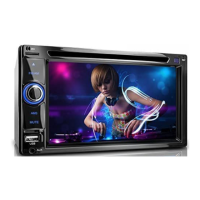
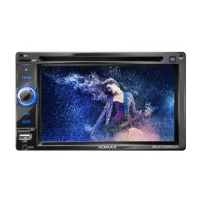
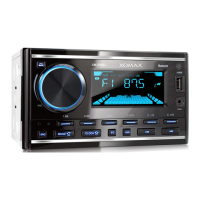
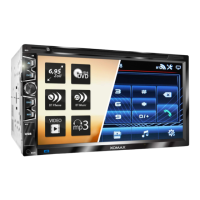
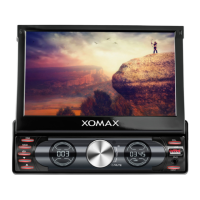
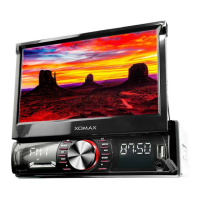
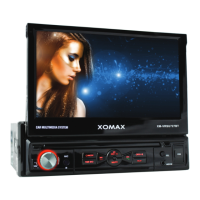
XM-2DTSB6219BT
4X 25W
Question and Answer IconNeed help?

Do you have a question about the Xomax XM-2DTSB6219BT and is the answer not in the manual?

Summary

Panel Introduction

1. button

Turns the unit on or off, returning to main menu with short press.

3. MUTE

Turns audio output off and on; long press turns off screen.

4. SD

Slot for inserting SD cards to read audio/video files.

5. USB

Port for connecting USB removable devices for media playback.

Trouble Shooting

Audio setting

Setup

Remote control function

1. POWER button

Turns the unit on or off.

4. SOURCE button

Cycles through available input sources.

6. SEEK+ ();SEEK-()

Skips to the next or previous track/station.

7. VOL+; VOL-

Adjusts the system's volume level.

13. PLAY;PAUSE button

Starts or pauses media playback.

15. 0-9+ Button

Selects tracks, stations, or menu options numerically.

22. UP, DOWN, LEFT, RIGHT, ENTER button

Navigates menus and selects options.

BT Function Operation

2. Pair;link

Establishes connection with Bluetooth devices.

3. Dialing

Places phone calls via the unit.

5. BT music

Plays audio from connected Bluetooth devices.

6. Phonebook

Downloads and manages contacts from a paired phone.

Turn on;off Host

Disc Function Operation

1. Play;eject disc

Handles loading, playing, and removing discs.

Radio Function Operation

1. Enter;exit

Switches radio mode on or off.

Multimedia function

SD;USB storage device

Details operations for external media.

Music playing

Plays audio files from SD/USB.

Image playing

Displays photo files from SD/USB.

Video playing

Plays video files from SD/USB.

Summary

Panel Introduction

1. button

Turns the unit on or off, returning to main menu with short press.

3. MUTE

Turns audio output off and on; long press turns off screen.

4. SD

Slot for inserting SD cards to read audio/video files.

5. USB

Port for connecting USB removable devices for media playback.

Trouble Shooting

Audio setting

Setup

Remote control function

1. POWER button

Turns the unit on or off.

4. SOURCE button

Cycles through available input sources.

6. SEEK+ ();SEEK-()

Skips to the next or previous track/station.

7. VOL+; VOL-

Adjusts the system's volume level.

13. PLAY;PAUSE button

Starts or pauses media playback.

15. 0-9+ Button

Selects tracks, stations, or menu options numerically.

22. UP, DOWN, LEFT, RIGHT, ENTER button

Navigates menus and selects options.

BT Function Operation

2. Pair;link

Establishes connection with Bluetooth devices.

3. Dialing

Places phone calls via the unit.

5. BT music

Plays audio from connected Bluetooth devices.

6. Phonebook

Downloads and manages contacts from a paired phone.

Turn on;off Host

Disc Function Operation

1. Play;eject disc

Handles loading, playing, and removing discs.

Radio Function Operation

1. Enter;exit

Switches radio mode on or off.

Multimedia function

SD;USB storage device

Details operations for external media.

Music playing

Plays audio files from SD/USB.

Image playing

Displays photo files from SD/USB.

Video playing

Plays video files from SD/USB.

Xomax XM-2DTSB6219BT Specifications

General IconGeneral
Display Size6.2 inches
Resolution800 x 480 pixels
TouchscreenYes
BluetoothYes
USB PortYes
SD Card SlotYes
Audio Output4 x 45W
DVD PlayerYes
RadioFM/AM
Video PlaybackYes
Rear View Camera InputYes
Steering Wheel ControlYes
Video Playback FormatsAVI, MP4
Audio PlaybackMP3, WMA

Related product manuals