EasyManua.ls Logo

Xomax XM-D1002 - User Manual

Xomax XM-D1002
34 pages
Print Icon
To Next Page IconTo Next Page
Loading...
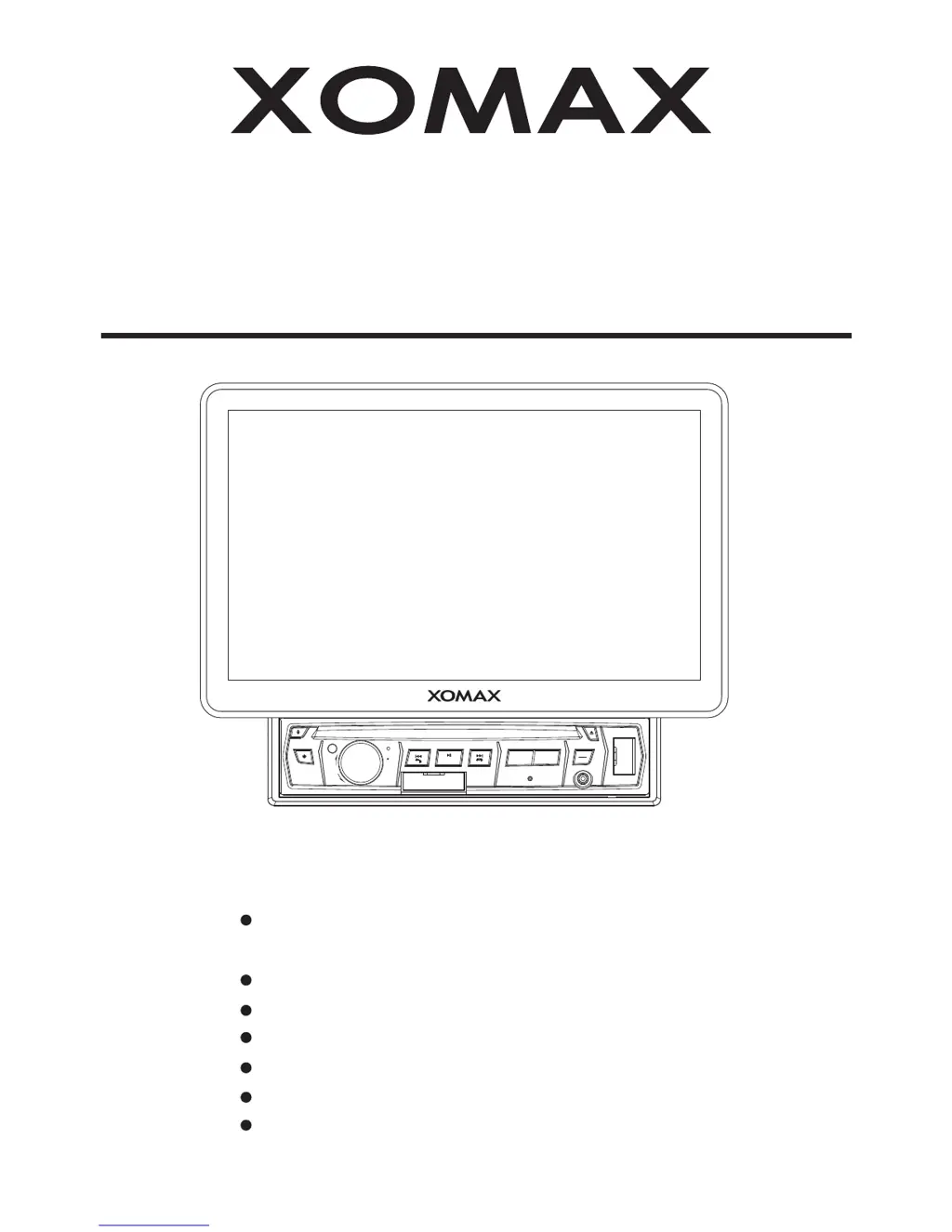
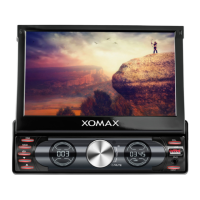
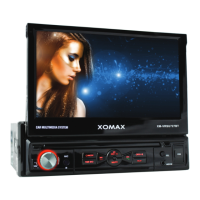
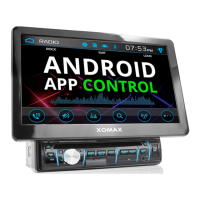
10.1Inch Million Multi-color Illumination
TFT Touch Screen
Remote Control
Digital Video Disc Player
Control Panel USB Port and AUX Input
Memory Card Slot
AM/FM-RDS Digital PLL Tuning Radio
BT Compatible
INSTALLATION MANUAL
XM-D1002
CAR AUDIO/VIDEO SYSTEM
MODE
IR
MIC
CH1~6
OPEN
RET
AUX
USB
+
_
VOL
PUSH SEL
TA/AF
BND
MU
PTY

Questions and Answers

  • R
    Roy SullivanAug 13, 2025
    What to do if no video/image appears on my Xomax Car Video System?
    • K
      Kerry AndersonAug 14, 2025
      If no video or image appears on your Xomax Car Video System, it may be because the unit isn't connected to the parking brake detection switch. Ensure it is properly connected according to the wiring instructions. Also, for safety, video/images are disabled when the vehicle is moving. Engage the parking brake to display images.
  • T
    Theresa AlvarezAug 17, 2025
    Why is my Xomax Car Video System not turning on?
    • T
      Tanya TaylorAug 17, 2025
      If your Xomax Car Video System has no power, check if the car ignition switch is on. If the power supply is properly connected to the car accessory terminal, switch the ignition key to "ACC". Also, inspect the fuse and replace it if it's blown.
  • D
    duncanmelissaAug 21, 2025
    Why does the radio not work on my Xomax Car Video System?
    • P
      pwilsonAug 21, 2025
      If the radio on your Xomax Car Video System isn't working, first ensure the antenna cable is firmly inserted. If the signals are weak, try selecting a station manually.
  • A
    andersonmichaelAug 25, 2025
    What to do if my Xomax XM-D1002 Car Video System won't load or eject discs?
    • T
      tanyabradshawAug 26, 2025
      If your Xomax Car Video System can't load or eject a disc: * Check if there's already a disc inside and remove it before inserting another. * Ensure the disc is inserted with the label facing upward. * Clean the disc if it's dirty, or try a new one. * If the car's internal temperature is too high, cool off the car before attempting to load or eject a disc.
  • J
    Jeffrey SmithAug 28, 2025
    How to fix black and white video on Xomax XM-D1002 Car Video System?
    • C
      Chad ConnerAug 29, 2025
      If the video or image on your Xomax Car Video System appears black and white, the color system might be set incorrectly. Please switch to the correct color system from the menu.
  • T
    Teresa JonesSep 1, 2025
    What to do if the operation keys on my Xomax XM-D1002 don't work?
    • L
      Larry WilsonSep 1, 2025
      If the operation keys on your Xomax Car Video System do not work, try pressing the RESET button. This may be due to the built-in microcomputer not operating properly because of noise.
  • A
    Amanda AcevedoSep 5, 2025
    Why is there no color in the picture on my Xomax XM-D1002?
    • A
      anthony46Sep 5, 2025
      If there is no color in the picture on your Xomax Car Video System, the disc format may not be compatible with the TV system being used (PAL/NTSC). Please choose a proper color system.
  • J
    Jessica YoungSep 9, 2025
    Why can't my Xomax XM-D1002 play JPEG discs?
    • B
      Bradley Howard Jr.Sep 9, 2025
      If your Xomax Car Video System can't play back a JPEG disc, it may be due to the following reasons: * No JPEG files are recorded on the disc; in this case, change the disc. * JPEG files are not recorded in a compliant format; in this case, change the disc and record JPEG files using a compliant application.

Summary

Precautionary Measures

Installation Safety Guidelines

Safety guidelines for installing the receiver in the vehicle to avoid accidents.

Safety Information and Compliance

Laser Product Safety Warnings

Warnings regarding laser product safety and proper operation procedures.

Electrical Safety Precautions

Precautions to reduce the risk of fire or electric shock from the equipment.

Unit Installation Procedures

Electric Connection and Wiring

Wiring Connection Diagrams

Visual guides illustrating RCA and power connector wiring.

Detailed Power Connection

Detailed wiring diagram for the main power connector.

Remote Control Operation

Remote Control Button Functions

Detailed list of remote control buttons and their operations.

Basic Unit Operation

Main Menu and Icon Navigation

How to navigate and use the main menu and system icons.

Advanced Basic Operations

Reset and Camera Features

Resetting to Factory Settings

How to reset the unit to its default factory configuration.

Control Panel Overview

Unit Keys and Button Functions

Identifies and explains the physical buttons on the unit's control panel.

Control Panel Functions

Reset Button for Factory Settings

Button to return the unit to factory settings.

Touch Screen Radio Operation

Radio Mode Touch Interface

Overview of radio mode interaction using the touch screen interface.

Station Tuning and Memory Storage

Manual/automatic tuning, storing, and retrieving radio stations.

Touch Screen Media Operation

Bluetooth Connectivity and Operation

Bluetooth Pairing and Connection Process

Steps to pair a mobile phone with the unit via Bluetooth.

BT Phone Mode: Making Calls

Using the unit for hands-free calls, including initiating calls.

Bluetooth Phone Interface and App Control

Smartphone App Control for Android Devices

Guide to controlling the unit via a dedicated smartphone app.

Bluetooth Music Playback

BT Music Playback and Control Icons

Playing music via Bluetooth and using associated playback icons.

External Audio;Video Input Operations

AUX Input Connection and Operation

Connecting and playing audio from external devices via the AUX input.

External Video Input Operation

AV Input Connection and Operation

Connecting and playing video from external devices via AV input.

USB and SD Card Media Operations

USB Device Connection and Playback

Connecting and playing files from USB devices.

SD Card Insertion and Playback

Inserting and playing files from SD memory cards.

Parental Control Settings

Understanding Parental Control Requirements

Explains how parental control locks discs based on rating levels.

Region Code Information

Explanation of REGION ERROR

Explains REGION ERROR when disc and system codes mismatch.

Troubleshooting Common Issues

Troubleshooting Common Problems

Table detailing common problems, their causes, and solutions.

Xomax XM-D1002 Specifications

General IconGeneral
BluetoothYes
SD Card SlotYes
Radio TunerFM
Power Output4 x 45W
Aspect Ratio16:9
Video SystemPAL/NTSC
IR TransmitterNo
FM TransmitterYes
TouchscreenYes
RAM1GB
GPSYes
Rear Camera InputYes
Steering Wheel ControlYes
Operating SystemAndroid
InputsRCA
Power Supply12V DC
Expandable StorageUp to 32GB
Video PlaybackYes

Related product manuals