EasyManua.ls Logo

Xoro HRS 8500 - User Manual

Xoro HRS 8500
106 pages
Go to English
Print Icon
To Next Page IconTo Next Page
Loading...
Bedienungsanleitung
User Manual
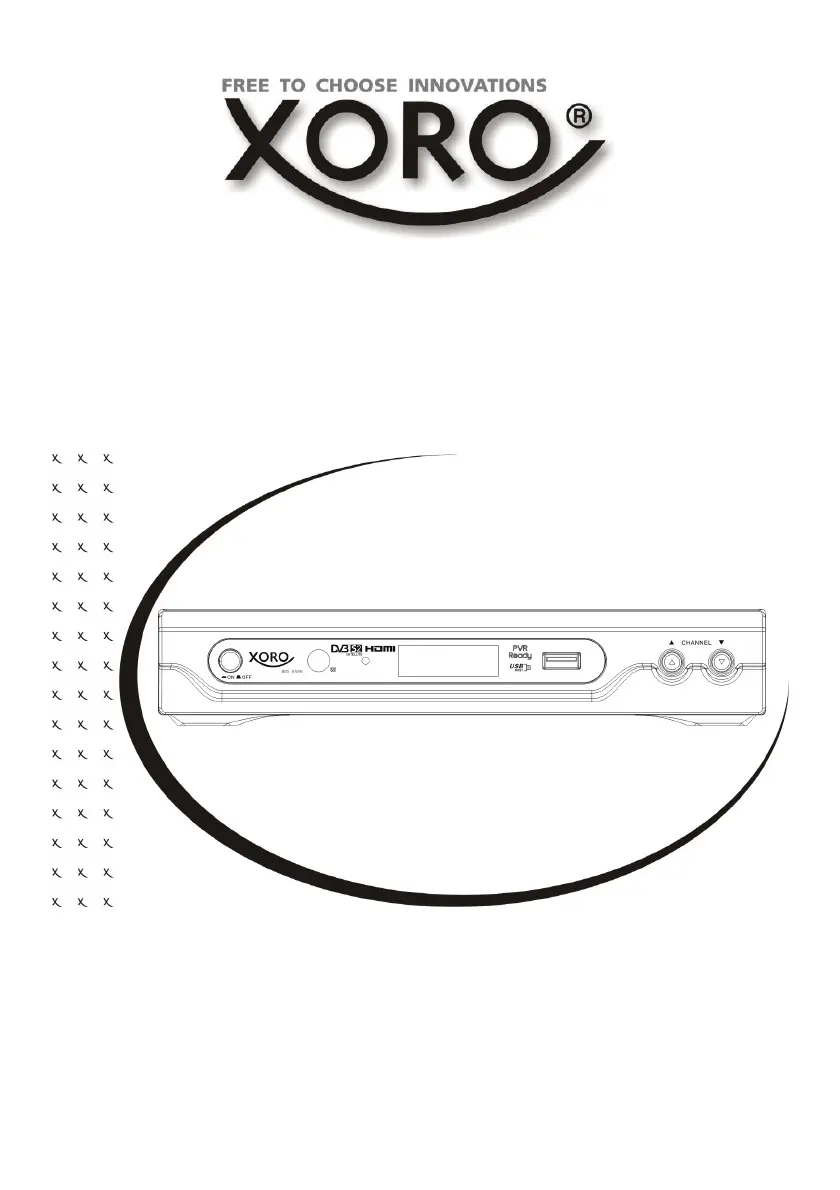
HD DVB-S Receiver with USB, PVR Ready,
Ti m e S h i f t, H D M I & M e d i a- P lay e r
HRS 8500

Table of Contents

Questions and Answers

  • S
    Scott BartonAug 15, 2025
    Why is my Xoro TV Receiver remote control not working?
    • K
      kenneth70Aug 15, 2025
      If your Xoro TV Receiver remote control isn't working, first, try replacing the batteries. If that doesn't solve the issue, ensure you are within the operational range (up to 5 meters and 30° angle). Also, check whether bright light is interfering with the sensor.
  • J
    Joseph CohenAug 18, 2025
    How to fix no sound on Xoro TV Receiver?
    • R
      robertcarlsonAug 18, 2025
      If you are experiencing no sound with your Xoro TV Receiver, first ensure that the Mute function is off by pressing the MUTE button. Then, increase the volume using the VOL+ button. Finally, check the connection to your TV or amplifier.
  • J
    Jeffrey GarciaAug 21, 2025
    What to do if there is no picture on my Xoro HRS 8500?
    • N
      Nicole KrauseAug 22, 2025
      If your Xoro TV Receiver displays no picture or the pictures are not colored, check the connection to the TV set. Also, verify the video output mode in the setup menu. Additionally, press the DTV/VCR button to ensure the correct input mode is selected.
  • B
    Bryan WrightAug 25, 2025
    Why does my Xoro HRS 8500 recording have jerkings?
    • Y
      ystevensonAug 26, 2025
      If you're experiencing issues like jerkiness or other malfunctions while recording with your Xoro TV Receiver, it might be due to a slow storage device. Use USB sticks with 8 GB or higher. Also, check the reception quality of the dish and adjust it for better quality.
  • B
    beckywolfeAug 28, 2025
    How to fix no power on Xoro HRS 8500 TV Receiver?
    • A
      Andrew ThompsonAug 28, 2025
      If your Xoro TV Receiver isn't powering on, ensure the power cord is securely plugged into the outlet and that the power is turned on.
  • A
    Abigail HamptonAug 31, 2025
    What to do if my Xoro TV Receiver can not scan programs?
    • M
      Melissa MoodyAug 31, 2025
      If your Xoro TV Receiver isn't scanning programs, try adjusting the dish. Also, refer to the settings for searching.
  • A
    Amy GentrySep 3, 2025
    How to improve DVB-S reception on Xoro HRS 8500 TV Receiver?
    • J
      Jessica BakerSep 3, 2025
      If you are not receiving DVB-S signal, experiencing serious distortion with mosaics or artifacts, or the picture is freezing on your Xoro TV Receiver, realign the dish, paying attention to the satellite direction. It may also be useful to use a bigger dish and retry the Auto Scan function.
  • L
    Leroy Harrison MDSep 7, 2025
    How to fix audio/subtitle issues on Xoro HRS 8500 TV Receiver?
    • A
      Arthur BryanSep 7, 2025
      If the audio or subtitle function is not working or you cannot choose them on your Xoro TV Receiver, try changing the audio track by pressing the AUDIO button or changing the subtitle track by pressing the SUBTITLE button.
  • B
    Brenda GonzalezSep 10, 2025
    Why is my Xoro TV Receiver not recording?
    • K
      keith17Sep 12, 2025
      If your Xoro TV Receiver isn't recording, make sure a USB memory device is connected and that there is free space on the storage.

Xoro HRS 8500 Specifications

General IconGeneral
CategoryTV Receiver
Tuner TypeDVB-S2
USB PortYes
CI SlotYes
EthernetYes
TypeReceiver
Video OutputHDMI
Supported Resolutions720p, 1080i, 1080p
Supported Video FormatsMPEG2, MPEG4, H.264
Supported Audio FormatsMP3
FeaturesEPG, PVR
Power Supply12V DC

Related product manuals