EasyManua.ls Logo

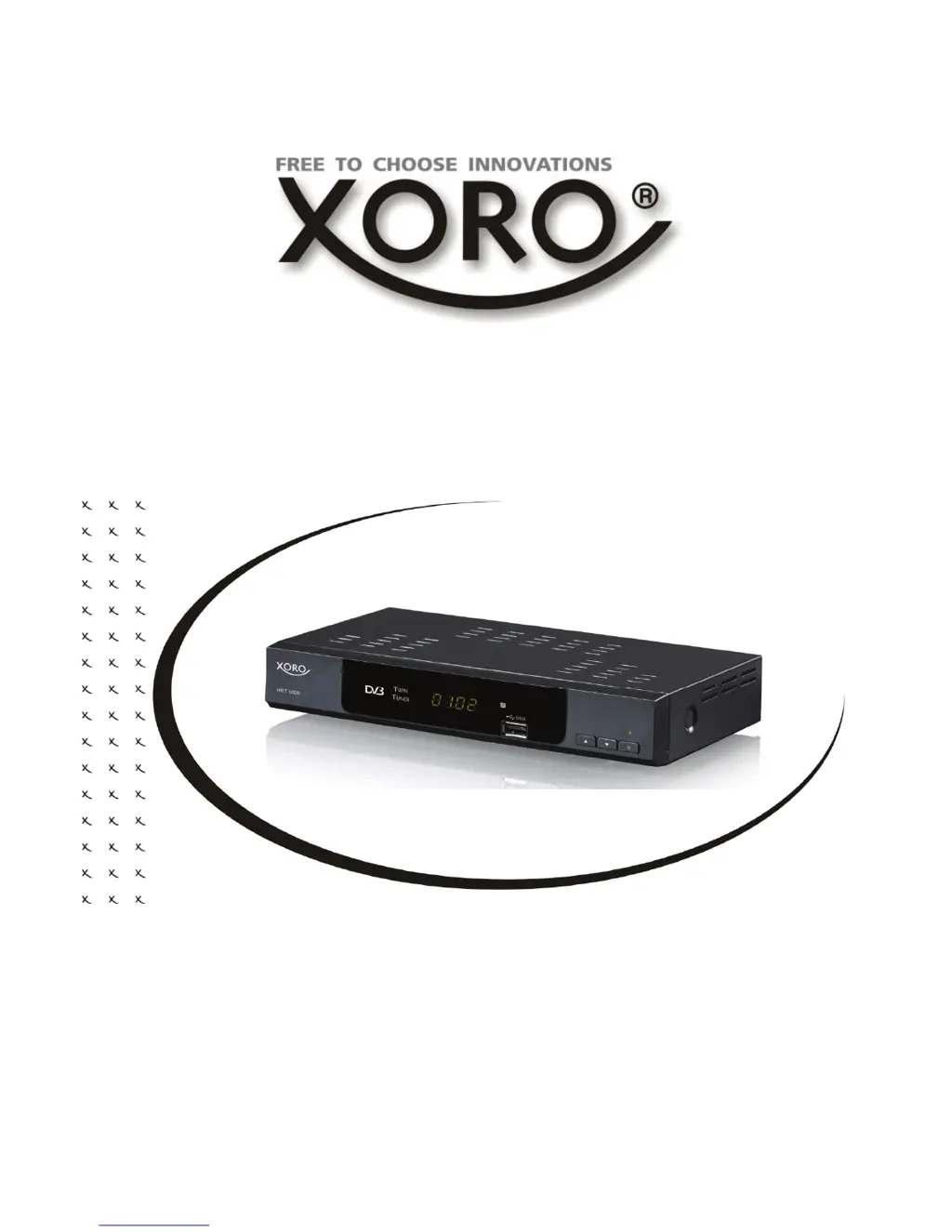
Xoro HRT 5000 - User Manual

Xoro HRT 5000
120 pages
Go to English
Print Icon
To Next Page IconTo Next Page
Loading...
BEDIENUNGSANLEITUNG
OPERATION MANUAL
MODE D’EMPLOI
Free-to-Air DVB-T Receiver with Twin Tuner, USB, PVR
Ready, Time-Shift & Media-Player
HRT 5000

Table of Contents

Questions and Answers

  • S
    Sarah WalkerAug 6, 2025
    What to do if Xoro HRT 5000 TV Receiver remote control does not work?
    • B
      blakewandaAug 6, 2025
      If the remote control for your Xoro TV Receiver isn't working, try these steps: * Replace the batteries. * Ensure you are within the operational range (max. 5 meters, 30°). * Check if bright light is interfering with the sensor.
  • T
    Travis EdwardsAug 10, 2025
    Why is there no sound on my Xoro TV Receiver?
    • A
      armstrongpeterAug 10, 2025
      If you're experiencing a lack of sound with your Xoro TV Receiver, consider the following: * Ensure that Mute is not activated. * Increase the volume level. * Check the connection to your TV set or amplifier. * Make sure the Sleep timer is off.
  • C
    cheryl73Aug 15, 2025
    What to do if my Xoro HRT 5000 has no DVB-T reception?
    • G
      Gregory WardAug 15, 2025
      If you are experiencing no DVB-T reception, serious distortion by mosaics or artefacts, or freeze pictures on your Xoro TV Receiver, try the following: * Switch the player into the DVB-T mode. * Note that there may be no DVB-T reception in your region. * Realign the antenna. * Use an active indoor aerial or a roof antenna. * Retry the Auto Scan.
  • S
    Samuel GriffinAug 18, 2025
    How to fix no picture on Xoro HRT 5000 TV Receiver?
    • D
      Devon AndersonAug 19, 2025
      If there is no picture or no coloured pictures on your Xoro TV Receiver, check the connection to the TV set and the video output mode in the setup.
  • J
    Jacqueline TurnerAug 23, 2025
    What to do if Xoro HRT 5000 can not scan programs?
    • R
      Richard BeckerAug 23, 2025
      If your Xoro TV Receiver can't scan programs, adjust the antenna and refer to the settings for searching.
  • G
    Glenda SmithAug 28, 2025
    What to do if Xoro TV Receiver has no power?
    • A
      Ashlee YoungAug 28, 2025
      If your Xoro TV Receiver has no power, plug the power cord into the outlet tightly and turn on the power.
  • D
    Darrell WongAug 31, 2025
    How to change audio/subtitle on Xoro TV Receiver?
    • M
      Michele ReyesSep 1, 2025
      If audio or subtitle functions are not working or cannot be chosen on your Xoro TV Receiver: * Change the audio track by pressing the AUDIO button. * Change the subtitle track by pressing the SUBTITLE button. Note that the other audio track or subtitles may not be supported.

Summary

Safety Information

Antenna Setup and Reception

Instructions for connecting the device to an antenna and optimizing signal reception.

Power Supply Safety

Safety guidelines and precautions for using the device's power supply and connecting to mains.

Device Placement and Operation Safety

Guidelines on product placement, ventilation, and protection from environmental factors.

Control Elements

Front and Rear Panel Controls

Description of buttons, indicators, and connectors on the front and rear panels of the device.

Remote Control

Remote Control Button Functions

Detailed description and function of each button on the remote control.

Connection

Connecting to TV and Antenna

Steps for connecting the DVB-T receiver to a TV set and an antenna for basic setup.

USB Port Connectivity

Detailed instructions for connecting USB flash drives to the device's USB port.

Operation

First Time Installation and Setup

Step-by-step guide for the initial setup and automatic channel scanning process.

EPG and Teletext

EPG Overview

Guide on using the Electronic Program Guide (EPG) to view channel lists and program schedules.

Detailed EPG Information

Explanation of the detailed view of EPG information and navigating program details.

Recorder Functions

Recording Options

Instructions for single recording, recording while watching another channel, and dual recording.

Managing Recordings

Procedure for stopping an ongoing recording and selecting the operation.

Time Shift Operation

Explanation of the Time Shift function, including pausing live TV and buffer management.

EPG and Timer Programming

How to schedule recordings directly from EPG and manual timer programming.

Timer Settings Explained

Details on timer settings like mode, service, channel, and time for manual programming.

Media Player

Settings

Troubleshooting

Common Problem Solutions

Guide to diagnose and correct common problems like poor reception, no power, or remote control issues.

Xoro HRT 5000 Specifications

General IconGeneral
CategoryTV Receiver
ModelHRT 5000
TunerDVB-T2
Video formatsMPEG-2, MPEG-4, H.264
Weight0.5 kg
ResolutionUp to 1080p
Audio formatsAAC, MP3
Video OutputHDMI
Audio OutputHDMI, Optical
ConnectorsHDMI, USB, Ethernet
FeaturesEPG, Media Player

Related product manuals