EasyManua.ls Logo

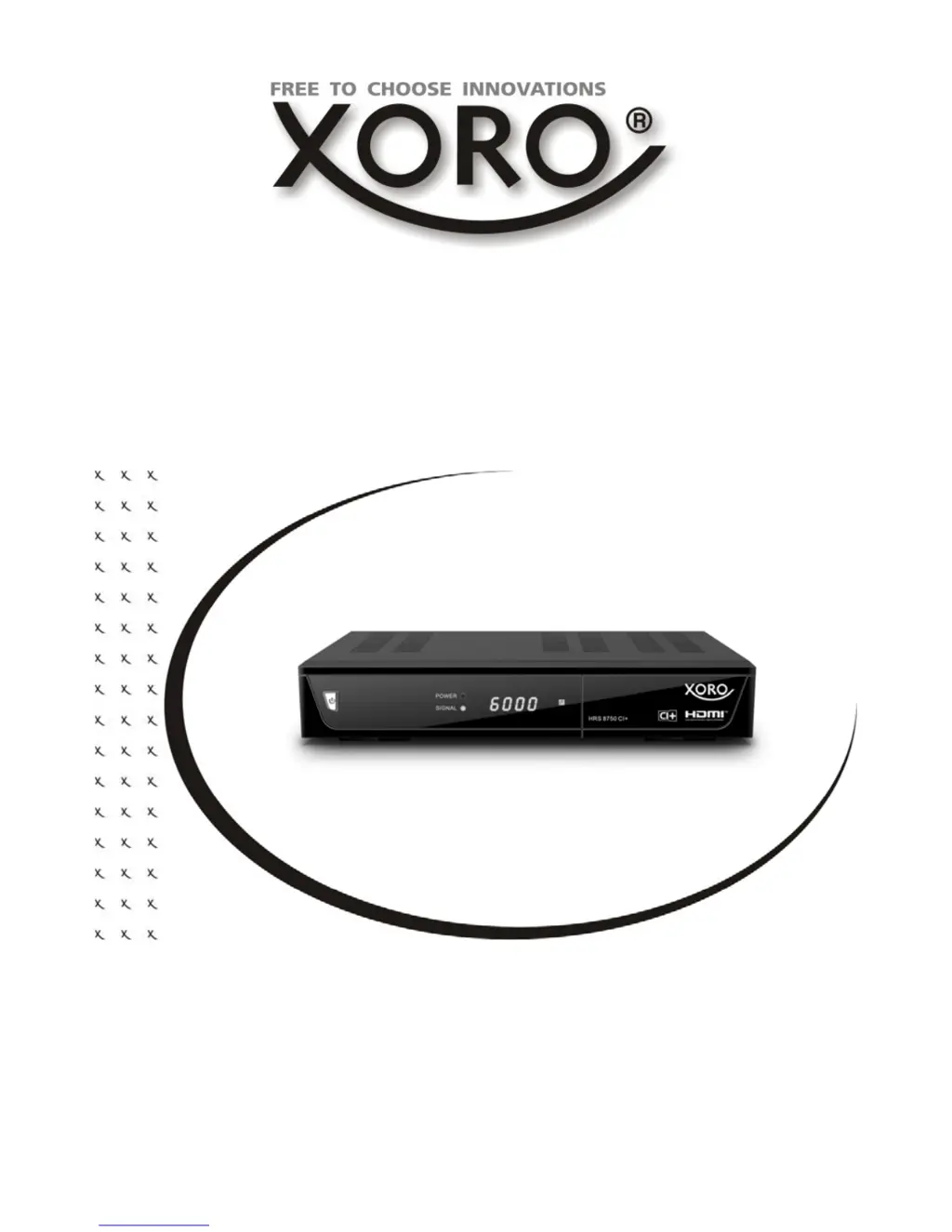
Xoro HRS 8750 CI+ - User Manual

Xoro HRS 8750 CI+
121 pages
Go to English
Print Icon
To Next Page IconTo Next Page
Loading...
Bedienungsanleitung V3
Users Manual V2
DVB-S2 Receiver mit CI+, USB, PVR Ready, Time
Shift & HD Media-Player
HRS 8750 CI+

Table of Contents

Questions and Answers

  • B
    butlertoddAug 20, 2025
    How to fix no sound on my Xoro TV Receiver?
    • J
      James LewisAug 20, 2025
      If there is no sound on your Xoro TV Receiver, first, ensure that the Mute function is off by pressing the MUTE button. Then, increase the volume by pressing the VOL+ button. Finally, check the connection to your TV set or amplifier.
  • N
    Natalie ParkerAug 22, 2025
    What to do if the Xoro TV Receiver remote control does not work?
    • H
      hectorrandolphAug 22, 2025
      If the remote control for your Xoro TV Receiver isn't working, try these steps: First, change the batteries. Second, make sure you are operating the remote within the normal range (max. 5 meters, 30°). Also, check if the sensor is exposed to bright light, which may interfere with its operation.
  • J
    johnbowmanAug 25, 2025
    How to troubleshoot a Xoro TV Receiver that has no power?
    • K
      Kara YoungAug 25, 2025
      If your Xoro TV Receiver has no power, ensure the power cord is tightly plugged into the outlet and that the power is turned on.
  • J
    Jeffrey ZavalaAug 26, 2025
    Why is there no picture on my Xoro HRS 8750 CI+?
    • T
      Tyler WalkerAug 27, 2025
      If there is no picture or no colored pictures on your Xoro TV Receiver, check the connection to the TV set. Also, check the video output mode in the setup. If the TV channel or program is scrambled, pay attention to the AV settings.
  • A
    Amy RandallAug 28, 2025
    What to do if my Xoro HRS 8750 CI+ has no DVB-C reception?
    • F
      fholtAug 28, 2025
      If you experience no DVB-C reception, serious distortion by mosaics or artefacts, or freeze pictures on your Xoro TV Receiver, retry the Auto Scan. If the problem persists, contact your Cable Network Provider.
  • K
    klinemeganAug 29, 2025
    Why does my Xoro TV Receiver recording have jerkings?
    • D
      dmyersAug 29, 2025
      If your Xoro TV Receiver recording has jerkings or other malfunctions, it may be because the connected storage is too slow. Use only USB sticks with 16 GB or higher. Also, control the reception quality of the dish and align them for getting better quality.
  • S
    Stacy SchwartzAug 31, 2025
    How to fix audio or subtitle issues on Xoro TV Receiver?
    • D
      Dorothy ChavezAug 31, 2025
      To resolve audio or subtitle issues on your Xoro TV Receiver, try changing the audio track by pressing the AUDIO button or change the subtitle track by pressing the SUB button. Note that other audio tracks may not be supported, or subtitles may not be supported by the broadcaster.
  • P
    Priscilla KnightSep 2, 2025
    Why is my Xoro TV Receiver remote control not working?
    • J
      Jacob BradleySep 2, 2025
      If your Xoro TV Receiver remote control isn't working, first, try changing the batteries. If that doesn't work, make sure you are within the operational range (max. 5 meters, 30°). Also, check if bright light is interfering with the sensor.
  • T
    trevordavisSep 4, 2025
    How to fix no sound on Xoro HRS 8750 CI+ TV Receiver?
    • R
      Robert SullivanSep 4, 2025
      If you're experiencing no sound on your Xoro TV Receiver, first, ensure that Mute is off by pressing the MUTE button. If the sound is still absent, increase the volume using the VOL+ button. Also, check the connection to your TV set or amplifier.
  • R
    Ryan ChavezSep 6, 2025
    What to do if my Xoro HRS 8750 CI+ has no picture?
    • G
      Gary KiddSep 6, 2025
      If your Xoro TV Receiver shows no picture or no colored pictures, check the connection to the TV set. Also, verify the video output mode in the setup. If you are watching a scrambled TV channel or program, pay attention to the AV settings.

Summary

Safety Information

General Safety Rules

Provides essential safety guidelines for using the device and connecting the satellite dish.

Power and USB Safety

Details safety precautions regarding power supply and USB port usage.

Control Elements

Remote Control

Connection

Connecting to Satellite Dish and TV

Guides on how to connect the receiver to a satellite dish and television.

First Steps

Initial Setup Wizard

Guides the user through the initial setup process for the device.

Channel Search Configuration

Explains how to perform channel searches and configure antenna settings.

Multi-Satellite Installation Guide

Details on setting up multiple satellites using DiSEqC, USALS, and Unicable.

Functions

CAM Module Setup

Recorder Functions

Recording and Playback Modes

Explains how to record live TV programs and manage playback modes.

Media Player

Settings

System Setup and Configuration

Details on language, TV system, display, time, and parental controls.

Recording and PVR Settings

Configuration options for PVR storage, timeshift, and recording indicators.

Troubleshooting

Common Issues and Solutions

Provides a guide to diagnose and resolve common problems with the device.

Xoro HRS 8750 CI+ Specifications

General IconGeneral
BrandXoro
ModelHRS 8750 CI+
CategoryTV Receiver
LanguageEnglish

Related product manuals