12
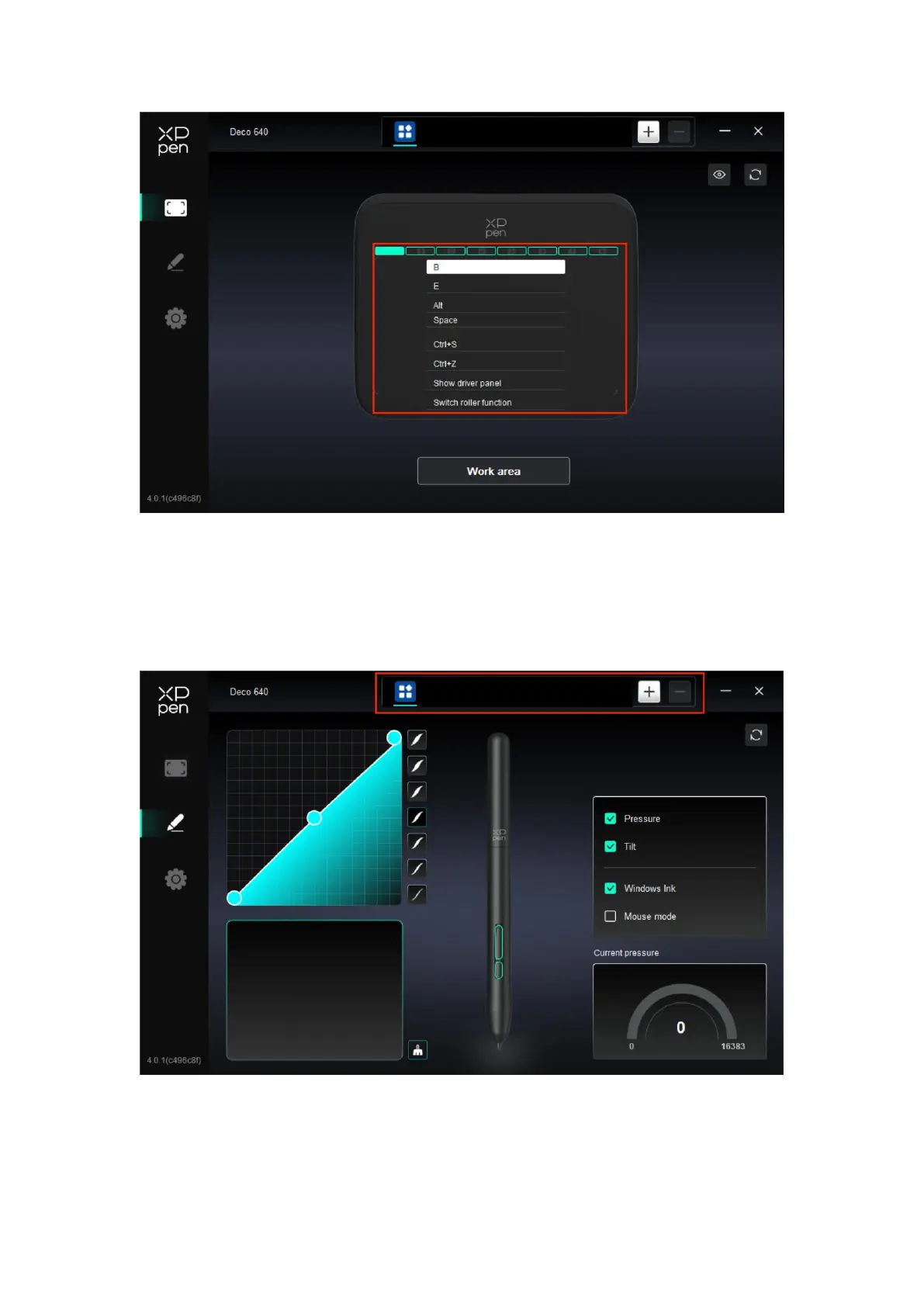
Click on the button position on the image(1-8) to customize its function.
Application
The driver allows you to set different functions for diffrent applications.
Add an application from the list of applications, tick the application, and then customize
pen keys functions.
For example, if you select an application and change its configuration, the change is valid
only when you use the application. When you switch to another application, the driver will



 To Next Page