13
recognize it automatically. You can add up to 7 applications.
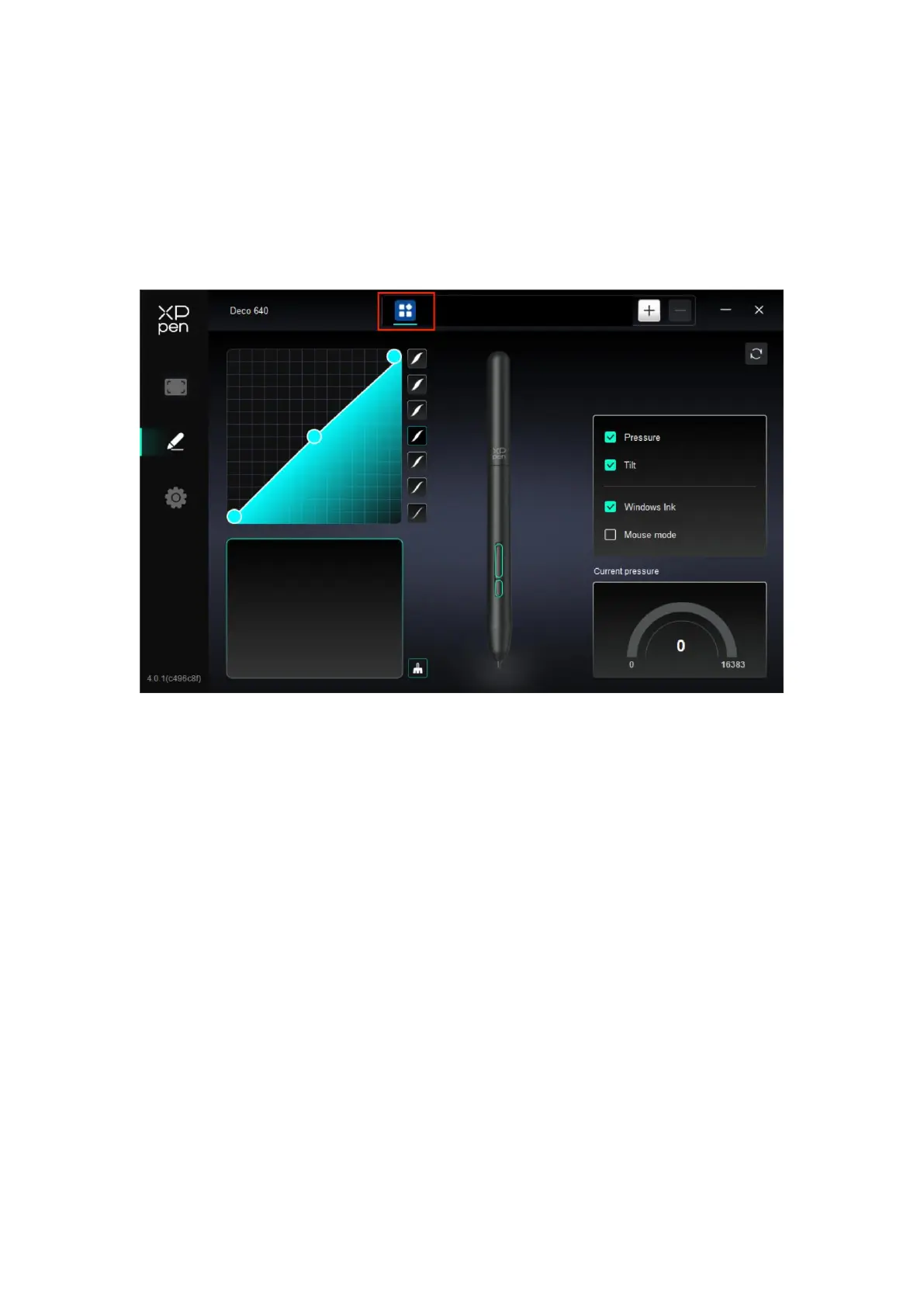
1. Click the + icon on the top right of the application bar to open the application list;
2. Select an application to be added from the running applications or click Browse to add
from the installed applications;
3. Click "OK" to add the selected application;
4. Select an added application, and click the - icon on the top right of the application bar to
delete the application.
If you select all other applications, it will apply to other uncustomized applications.
4.2.2 Pen Settings
When the stylus is within the work area, the device will recognize the stylus and add it to
the driver. The stylus used should be compatible with the device.



 To Next Page