6
1. Before installing the driver, please turn off all antivirus software and graphics software.
2. Uninstall drivers (if any) for other drawing displays/tablets before the installation.
3. Restart your computer after the installation is completed.
4. For the best performance for your device, we recommend you to install the latest driver.
Windows:
Unzip file. Run the "exe" file as administrator, and follow the prompts to complete the
installation.
Mac:
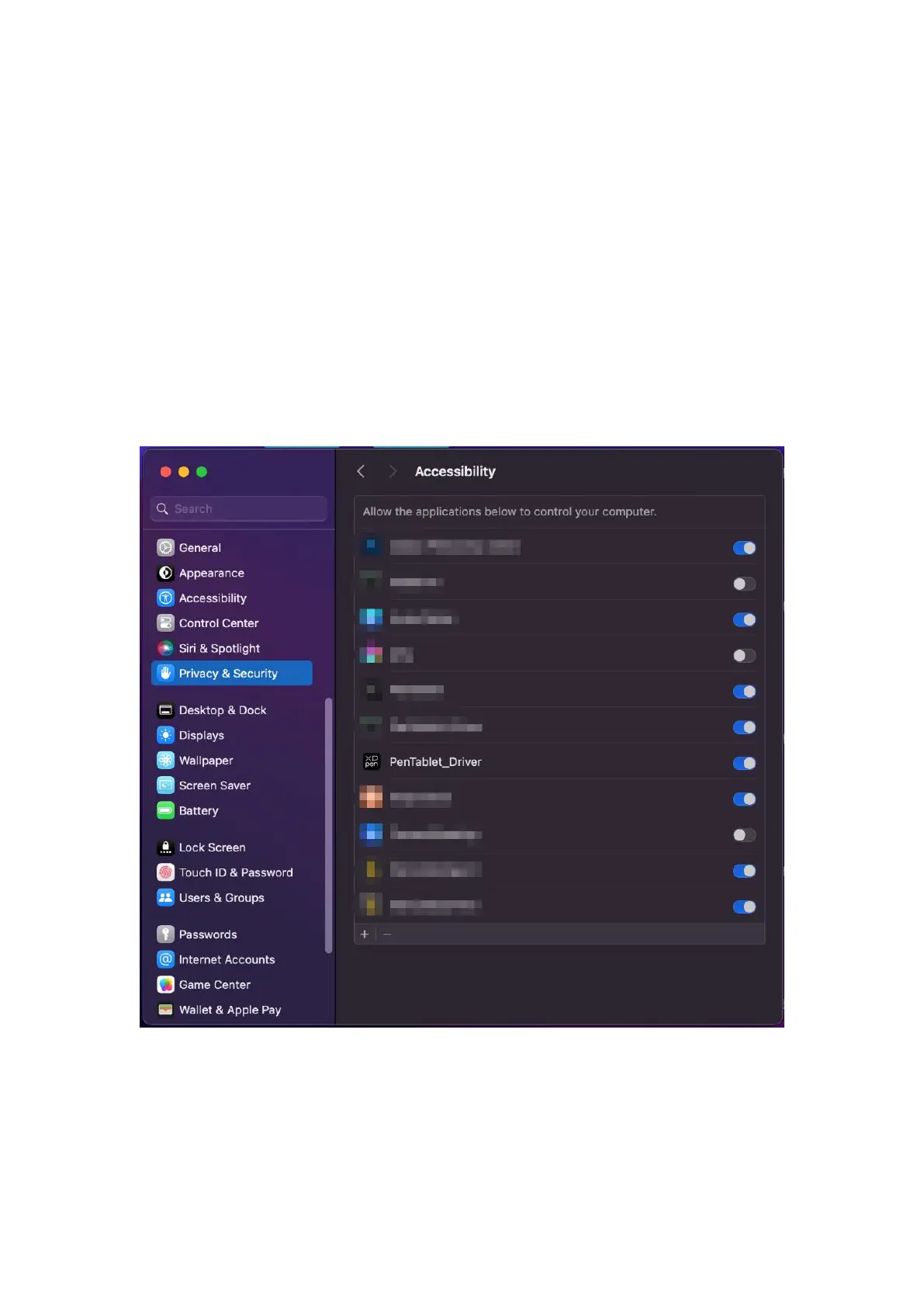
Unzip file, run the "dmg" file and follow the prompts to complete the installation. Go to
System Settings -> Privacy & Security -> Accessibilities; Wireless: System Settings ->
Privacy & Security -> Accessibilities & Bluetooth, please ensure that the PenTabletDriver
option is checked; Otherwise, the device and driver may not function properly.
If there is no PenTablet_Driver on the list, go to resource Library -> Application Support ->
PenDriver to add the driver manually.



 To Next Page