1‐888‐44‐XPLORE
9‐7567
WWW.XPLORETECH.COM
CUSTOMERSUPPORT@XPLORETECH.COM
13
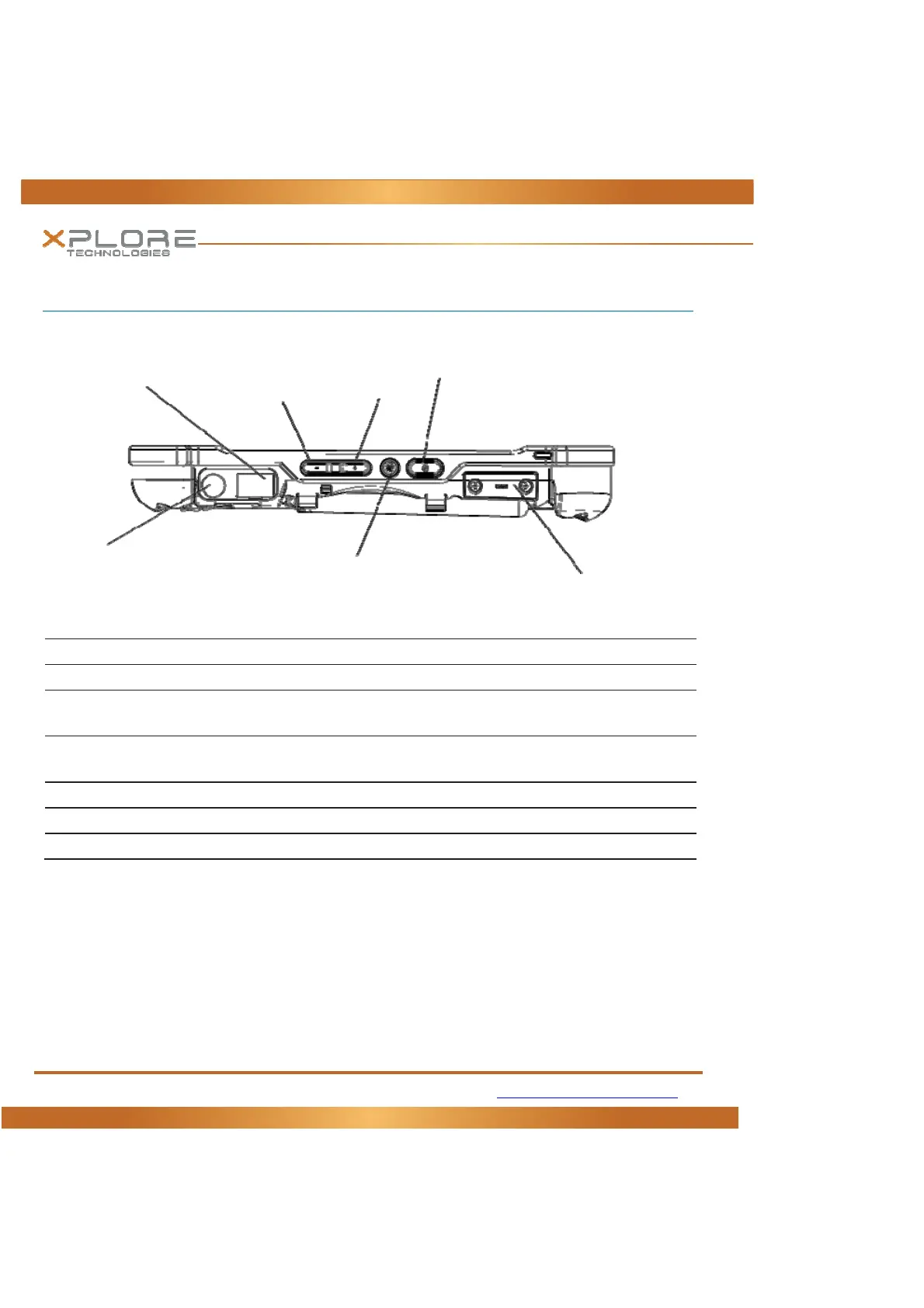
Right Side View
Power(On/Off) Presstopowercomputer,pressandholdfor4secondstoforcepoweroffuse
Suspend(On/Off) Momentarilydepresstoenter/exitSuspendmode.
ScreenOrientationlock Locksthescreenincurrentpositionregardlessoftabletorientationwhenpressed.
Pressagaintoun‐lockscreenorientation.
VolumeUp/Down PresstopofrockerbuttontoincreaseAudiovolumePressbottomofrockerbutt onto
decreaseAudiovolume
ACPowerconnector PullbackcovertoexposeconnectorJackforACpowersupply
LANConnector RJ45forEthernetLANdataconnection.
SerialReadyDongle Serialportexpansionarea
LANConnector
Down
Up
Power(On/Off)
Suspend/ResumeButton
ACPowerConnection
ScreenOrientationLock
SerialReadyDongle
Volume



 To Next Page