1‐888‐44‐XPLORE
9‐7567
WWW.XPLORETECH.COM
CUSTOMERSUPPORT@XPLORETECH.COM
16
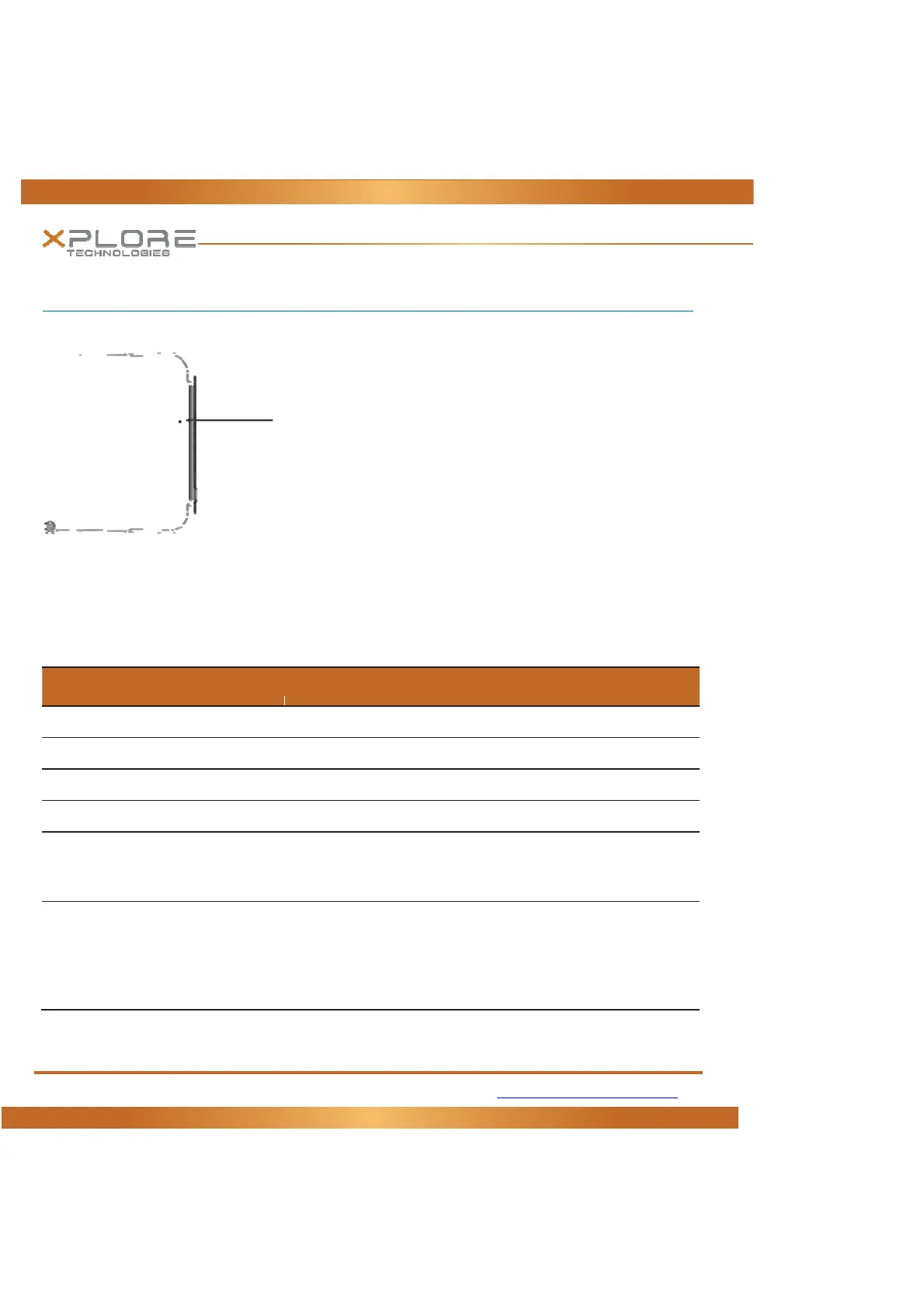
LED Status Indicator
TheLEDStatusindicatorlightsshowthestatusofsystemfunctions
ThefollowingtabledefinesthevariousLEDstates
Table 1: Status LED Indicator
Model/State LEDState Meaning
OnState green,continuous Thecomputerison,readyforuse,andfunctioning
OnCharging greenblinking TheACadapterispluggedinandthebatteryischarging.
OffState off(nolight) Thecomputerisoff
OffCharging Redblinking Thecomputerisoffandthebatteryischarging
On RedBlinking Thecomputerispoweredon,runningonbatterypower,andthe
chargelevelinthebatteryhasreachedaminimumwarningstate.Plug
thecomputerintoanAC/DCpowersourceorinstallachargedbattery
On RedContinuous Thecomputerison,runningonbatterypower,andthechargelevelin
thebatteryhasreachedacriticalstate.Plugthecomputerintoan
AC/DCpowersourceorinstallachargedbattery.
Or:Thecomputerhasencounteredafaultandisnotoperating
normally.Contactyourcomputer
supportpersonnel,suchasyourhelp
StatusIndicator



 To Next Page