1‐888‐44‐XPLORE
9‐7567
WWW.XPLORETECH.COM
CUSTOMERSUPPORT@XPLORETECH.COM
18
Using The Tablet
Suspend Operation
Toconservebatterypowerwhenyoudonotwanttoturnoffthecomputer,putthecomputerintoSuspend
mode.(Youcansuspendoperationwithoutclosinganyapps.).Thedefaultconfigurationattimeofpurchaseis
forthesystemtoentersuspendmodeautomaticallyafter5minutesofnoactivity.
To
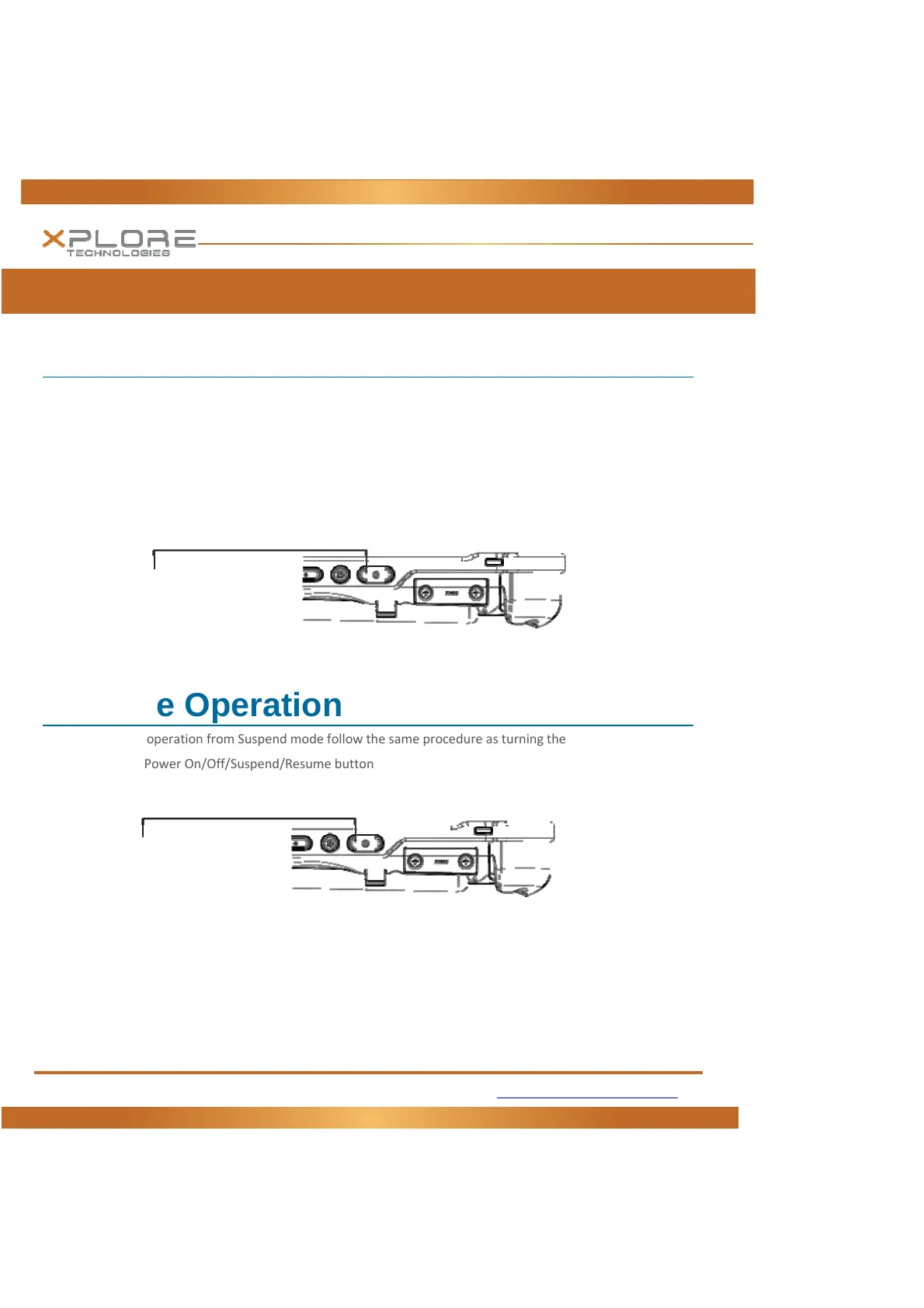
manuallyentersuspendmodepressthePowerswitchbrieflyandrelease.Thedisplayshouldswitchoff,
withoutanyconfirmationmenubeingpresented.
Resume Operation
ToresumetabletoperationfromSuspendmodefollowthesameprocedureasturningthetableton.
1. PressthePowerOn/Off/Suspend/Resumebutton
Ifthisisnotsuccessfulthebatteryonthetabletmayhavefullydischarged.PlugthetabletintoACpowerand
repeattheprocedure
PowerOn/OffDisplayToggleand
Suspend/ResumeButton
PowerOn/OffDisplayToggleand
Suspend/ResumeButton



 To Next Page