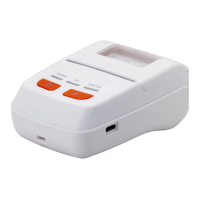
Thermal
Thermal
Thermal
Thermal Receipt
Receipt
Receipt
Receipt Printer
Printer
Printer
Printer
Thermal
Thermal
Thermal
Thermal Receipt
Receipt
Receipt
Receipt Printer
Printer
Printer
Printer
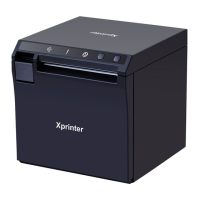
* Character font size optional.
* Easy paper-roll installation.
* Easy paper jam clearance.
* Easy maintenance for tasks such as head cleaning.
* Built-in interface provides control capability for cash drawer.
Technique
Technique
Technique
Technique Spec.
Spec.
Spec.
Spec.
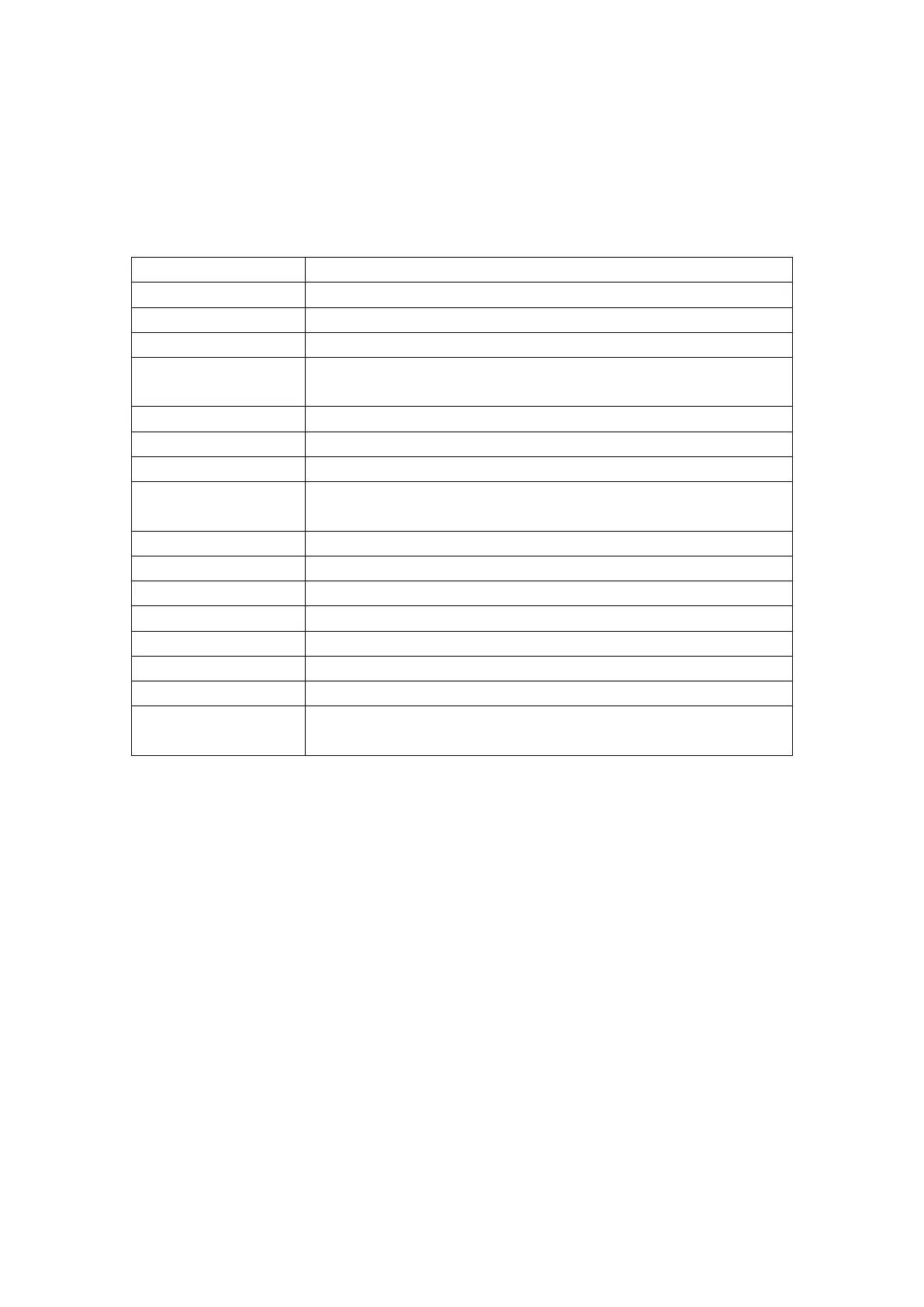
Print method Line thermal printing
Printing speed 90mm/ s
Paper width 57.5 ± 0.5mm
Resolution 384dots/line
Characters ANK Character: Font A: 12*24dots
Simplify/Traditional: 24*24 dots
Printing command Compatible with ESC/POS
Interface Parallel/Serial/ USB /Ethernet
Reliability 50km
Barcode mode UPC-A/UC-E/JAN13(EAN13)/JAN8(EAN8)/
CODE39/ITF/CODABAR/CODE93/CODE128
Paper thickness 0.06~0.08mm
Printer power input DC12V---2.6A
Adaptor power input AC110V/220V 50-60Hz
Adaptor power output DC12V---2.6A
Cash Drawer DC12V---1A
Work Temperature 0~45 º C, Dampness: 10~80%
Storage temperature -10~ 6 0 º C, Dampness: 10~90%
Operation system
Win 9X/Win ME/Win 2000/Win 2003/Win NT/Win XP/Win Vista /win
7
Connection
Connection
Connection
Connection
a
a
a
a . Connect the adapter cable to power connector of the printer.
b.
b.
b.
b. Connect the interface cable to the connector on the rear panel of the printer.
c
c
c
c . Connect the cash drawer ’ s RJ-11 phone jack to the connector on the rear panel.


 To Next Page