WIRED CONNECTION GUIDE: TV (ALL
CONSOLES)
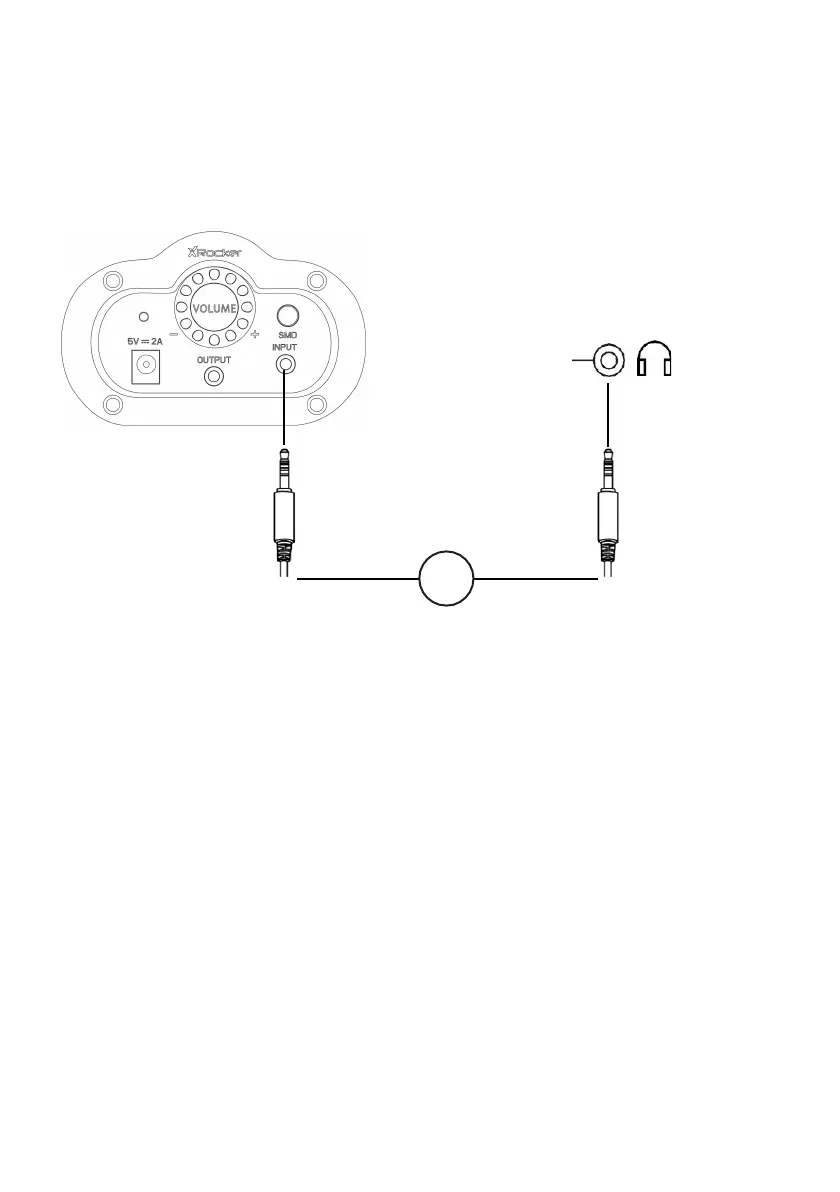
1. Connect B1 Cable to X Rocker control panel 3.5mm INPUT socket
2. Connect other end of the B1 cable to the TV headphone socket.
3. Once connected to your TV, increase volume to 50% of the maximum
for the best sound level.**
*N.B: If your TV does not feature a headphone socket then you may need
to purchase an additional TOSlink adapter to get connected directly to a
console for audio.
**Depending on your TV you may need to Increase the headphone
volume separately in the TV sound settings.



 To Next Page