16
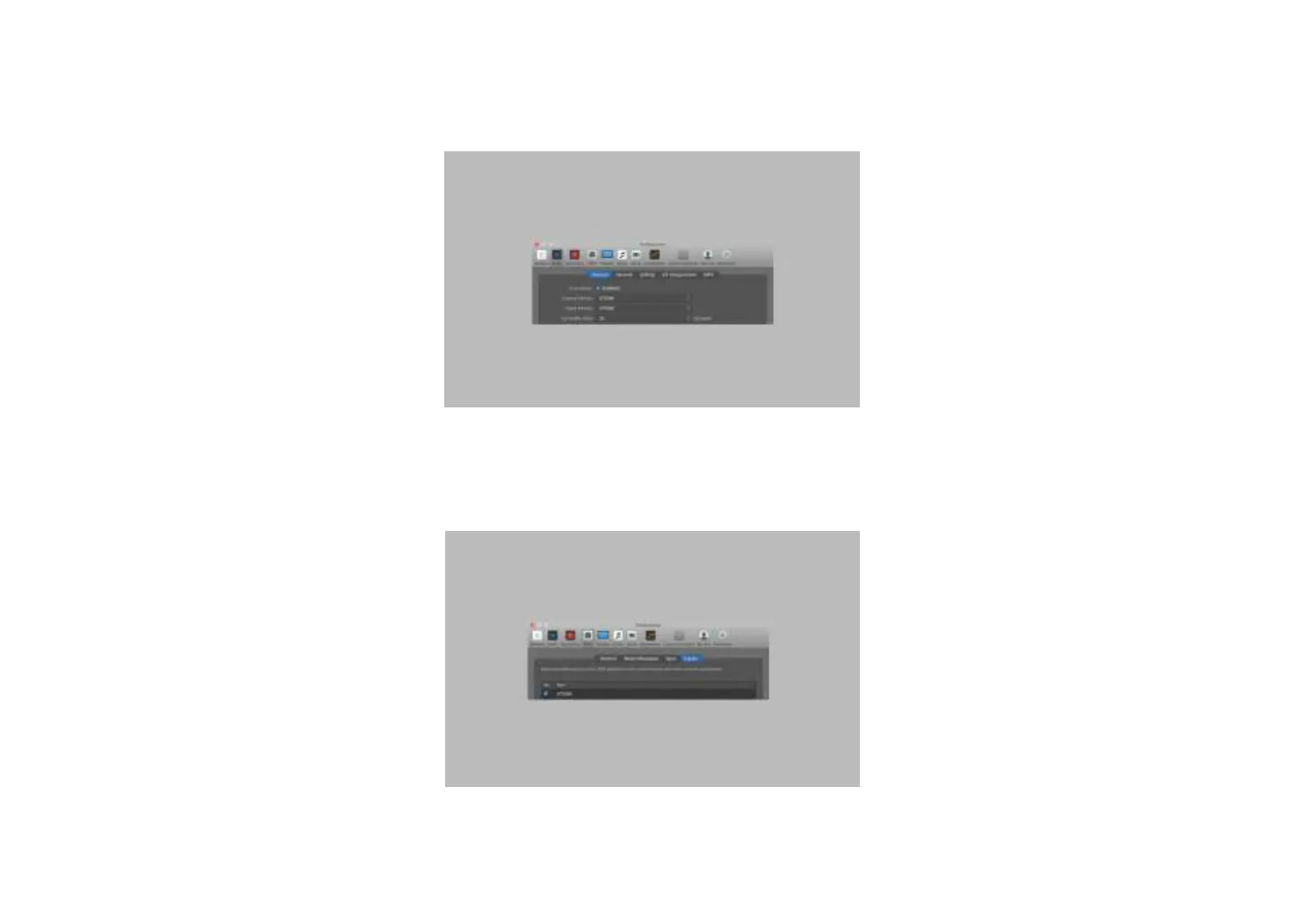
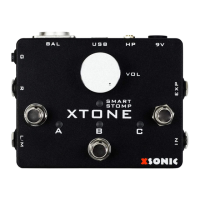
Settings of BIAS FX on Mac:
① Enter Preferences-Audio, choose XTONE as the input and output device, and adjust the I/O buffer size to the minimum.
② Tick XTONE in the Preferences-MIDI-Input. (If there is no input option in the MIDI field, please enter the advanced settings to enable the additional MIDI
options)
③ Basic settings are completed.


 To Next Page