29
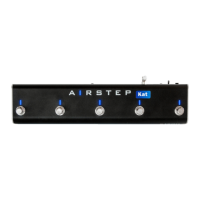
Click on the “Side Chain” column in the upper right corner and tick the input you want to set.
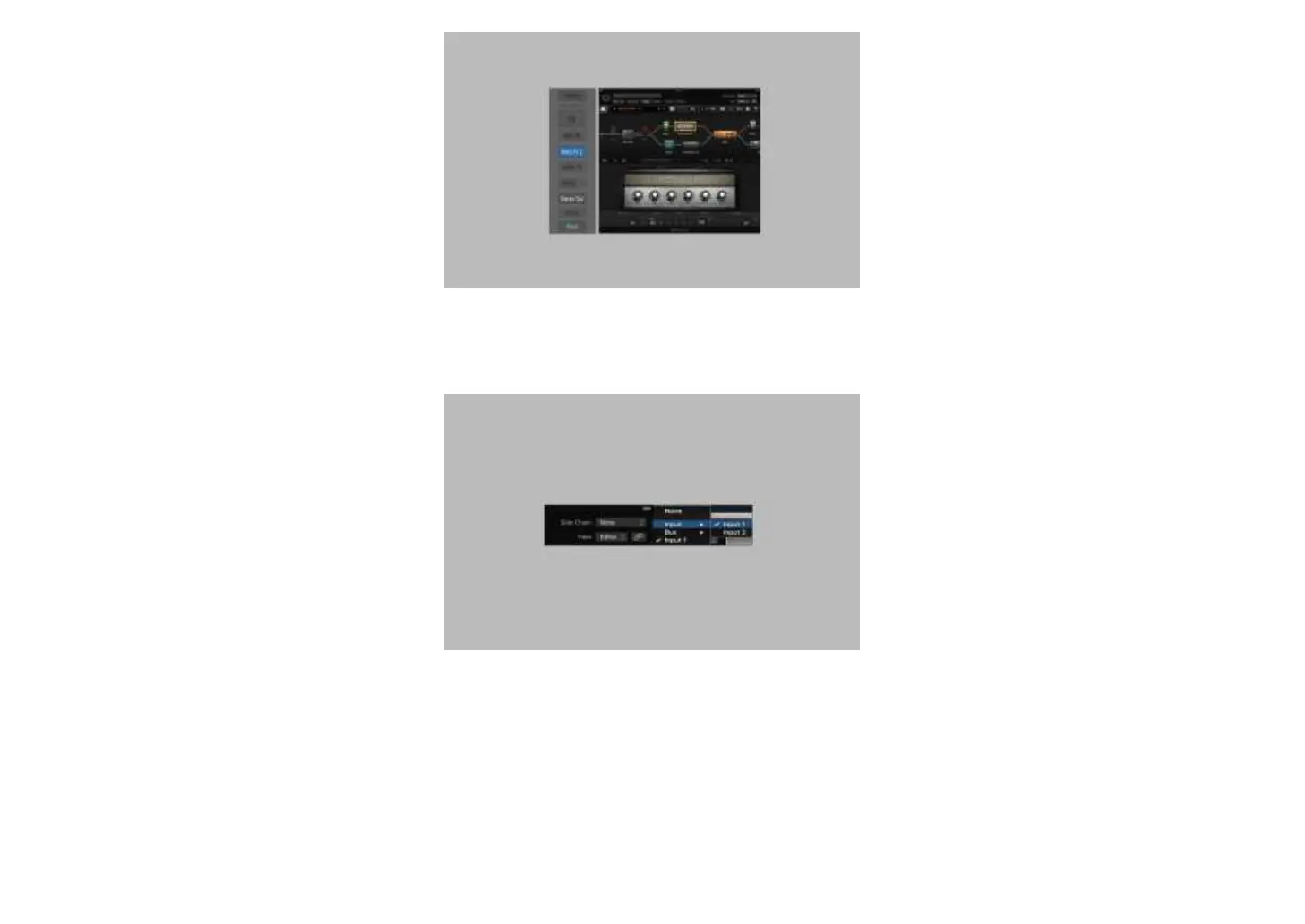
③ At this time, audio signal output is enabled, and BIAS FX2 now can be controlled through MIDI. Use MIDI Learn to set the pedals. The method is not
repeated here. Since the software instrument track itself does not have a real-time audio recording function, we need to send audio signal to an audio track for
recording via Bus. Click Bus to select the bus you want to use (here Bus 5 is taken as an example).
④ Create a new audio track, select the bus you set in the previous step for audio input, and click “Create”.


 To Next Page