26
Phantom Power:
The microphone input channel has phantom power output, that means you can use the condenser mic.
Long press button A for 5 seconds will toggle the power. Four LED lights green means turn on the power; Four LED lights red means turn off the power;
Default is turn off. When not using a condenser microphone, please turn off the phantom power for reducing the noise.
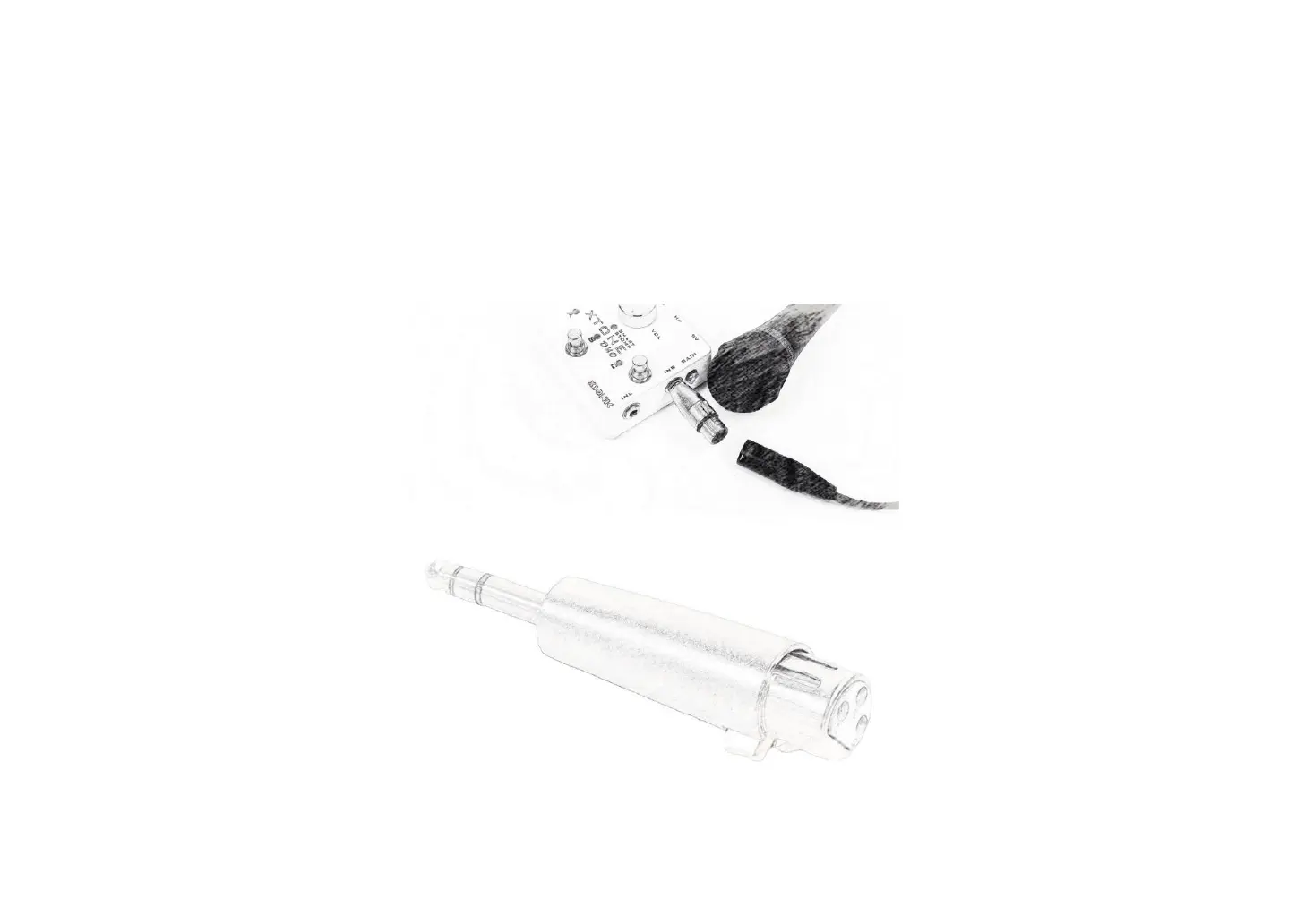
XLR Adapter:
You can plug in the XLR adapter for the microphone that has XLR interface.


 To Next Page