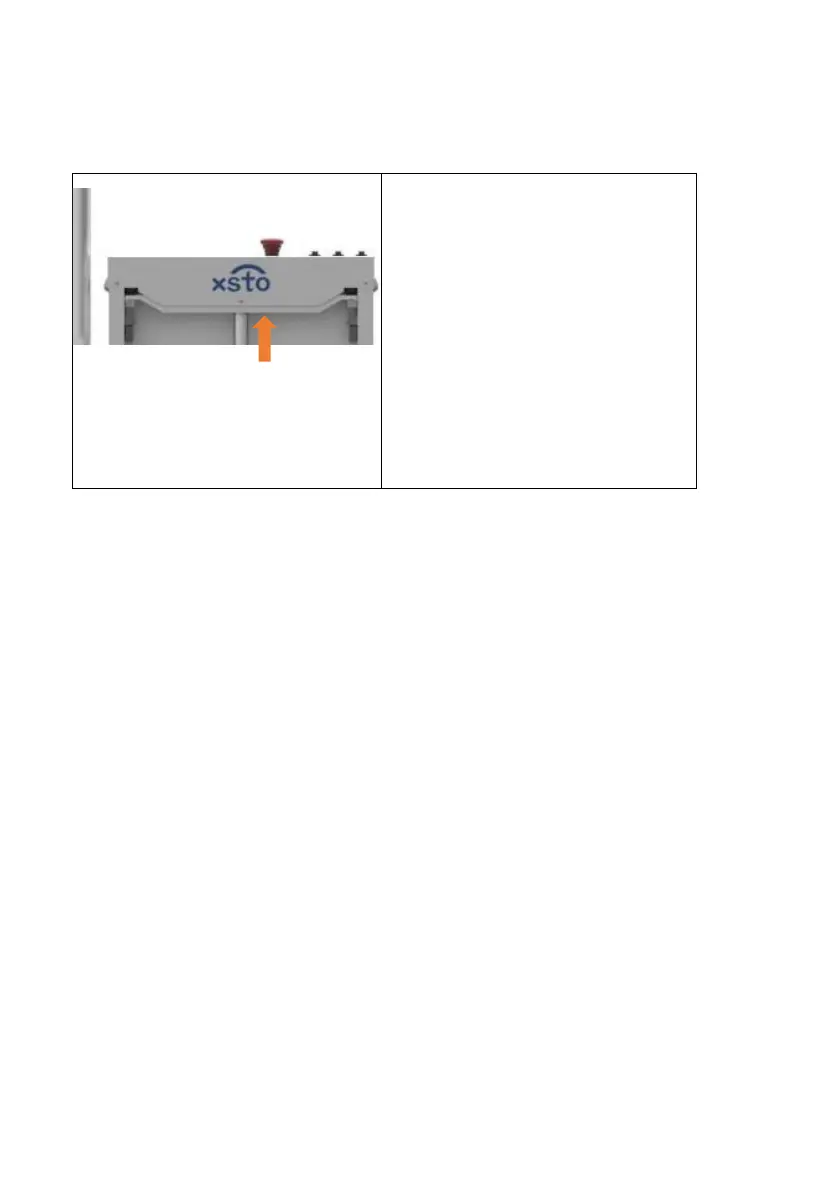
① If any hard object touches
the device during the rising
process, the device will
move upward slightly
under pressure, trigger the
travel switch, and the
ascending process will
stop immediately.
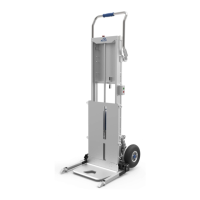
4.9 Loading board automatic tracking goods stacking
The automatic adjustment mode of the height of the loading
board, which is usually used to carry multiple stacks of goods.
The top panel switch "Auto ON/ OFF".Long press the switch
for 1 second and release it,the automatic mode starts and the
green LED is on,the height of loading board can be adjusted
automatically with the goods stacked. The upper and lower
photoelectric sensors are set in the middle of the product. The
sensors can identify the height of the loading board and the
height of the cargo top, the loading board will automatically raise
or fall , so as to reduce the labor intensity, who need to bend
down to put the cargo on the workbench. When the switch is
released after short press, the green LED is off, it means turn off


 To Next Page