EasyManua.ls Logo

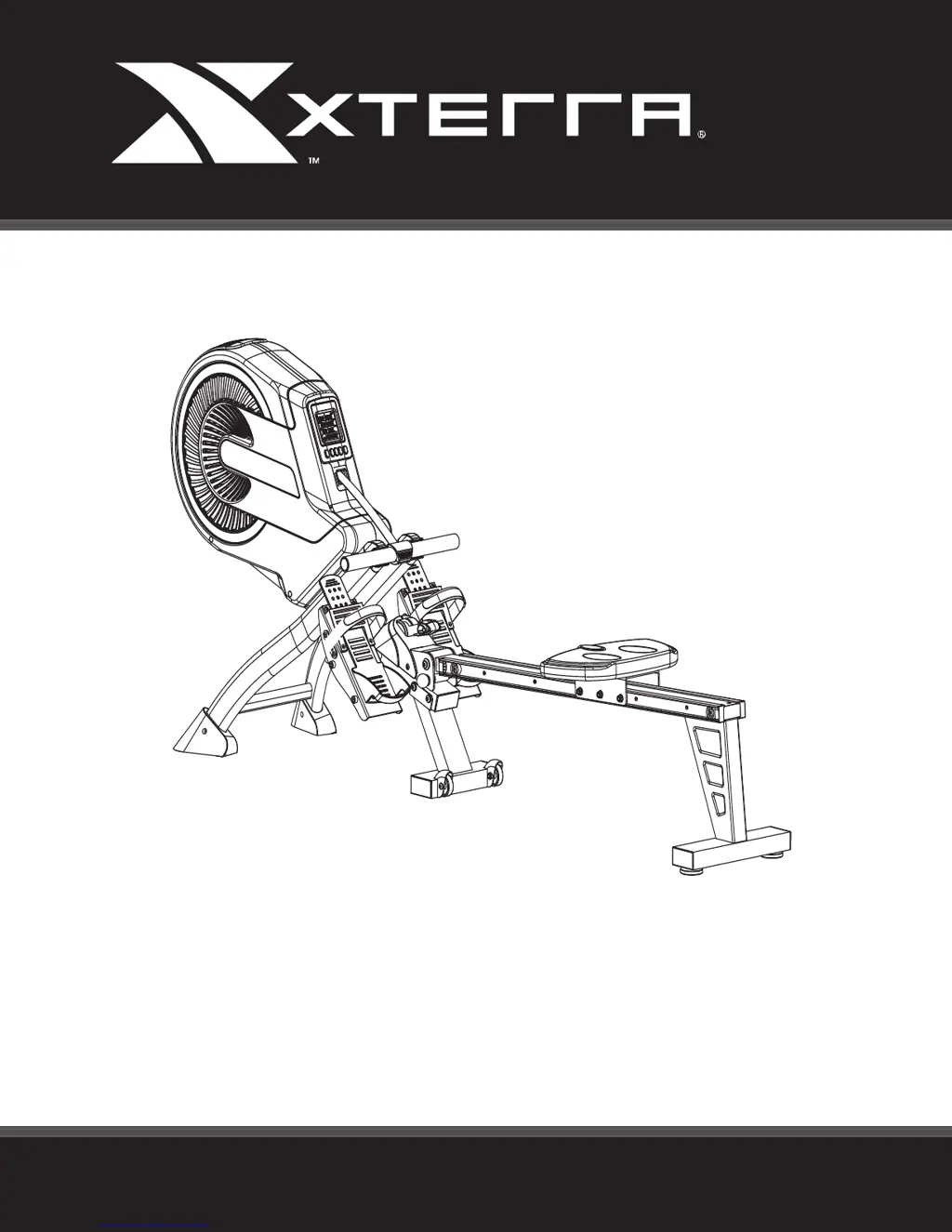
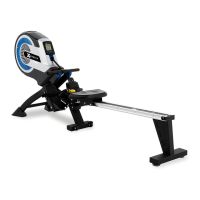
Xterra ERG500 ROWER - User Manual

Xterra ERG500 ROWER
21 pages
Print Icon
To Next Page IconTo Next Page
Loading...
ERG500 ROWER
OWNER’S MANUAL
PLEASE CAREFULLY READ THIS ENTIRE MANUAL BEFORE OPERATING YOUR NEW ROWER
FITNESS

Questions and Answers

  • R
    richardkimJul 27, 2025
    What to do if no count or distance displays on the Xterra Fitness Equipment monitor?
    • B
      Brenda SmithJul 27, 2025
      If the Xterra Fitness Equipment monitor shows no count or distance, first check the sensor wire connections at both the upright and the computer to ensure they are properly connected. If the issue persists, the sensor wire may be faulty and require replacement. In some cases, the monitor itself may be malfunctioning, necessitating its replacement.
  • D
    darlenejohnsonAug 4, 2025
    How to fix Xterra Fitness Equipment monitor that does not display?
    • C
      Cathy BrownAug 4, 2025
      If your Xterra Fitness Equipment monitor isn't displaying anything, the first thing to check is whether the batteries are correctly installed. If they are not, install them. Also, make sure the computer wires are properly connected at both the upright and the computer.
  • V
    Victor DayAug 11, 2025
    Why is my Xterra ERG500 ROWER squealing?
    • D
      Daniel WoodAug 11, 2025
      If you're experiencing squealing noises from your Xterra Fitness Equipment, it's likely due to a slipping belt. To resolve this, you'll need to adjust the belt.
  • M
    Melissa RamosAug 18, 2025
    What to do if there is no tension on Xterra ERG500 ROWER Fitness Equipment?
    • J
      Joseph LeeAug 18, 2025
      If you experience no tension on your Xterra Fitness Equipment, it is likely that the air damper needs adjustment. Adjust the tension lever accordingly.

Summary

Product Registration

Important Safety Instructions

General Safety Precautions

Essential safety guidelines for operating the fitness equipment and general warnings.

Fitness Equipment Safety Instructions

Specific safety advice for using the rowing machine and exercise apparel.

ERG500 Assembly Instructions

Middle Stabilizer Roller Assembly

Attach rollers to the middle stabilizer using bolts and nuts.

Attaching the Pedals

Attach the pedals to the main frame using allen bolts.

Handlebar Attachment and Rower Folding

Attach handlebar and learn how to fold the rower for storage.

Console Operation

Console Button Functions

Overview of console buttons like MODE, RECOVERY, RESET, UP, and DOWN.

Console Data Functions

Explanation of TIME, DISTANCE, COUNT, and CALORIE functions and target settings.

Pulse, Stroke, and Battery Replacement

Details on PULSE, STROKE, TRAVEL DISTANCE, and battery replacement.

Manufacturers Limited Warranty

Warranty Terms and Consumer Responsibilities

Details on warranty period, consumer duties, exclusions, and service procedures.

Trouble Shooting

Monitor Display Issues

Solutions for monitor not displaying or showing no count/distance.

Mechanical Issues

Troubleshooting for no tension or squealing noises from the rower.

Xterra ERG500 ROWER Specifications

General IconGeneral
BrandXterra
ModelERG500 ROWER
CategoryFitness Equipment
LanguageEnglish

Related product manuals