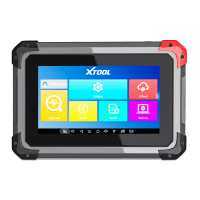
This function allows you to check and delete files on the device. Please use this function under the guidance of professionals.
Ordinary users are not recommended to use it by themselves, as it may cause the removal of software or malfunctioning of
the scan tool.
After activating the device, please
update
the software modules identified in the "Updates" screen. The device will identify
all currently available software packages, and you can download them as needed. ALL software updates directly via the
Internet. To access the update application, open the Diagnostic application and click Updates to enter the screen shown
below:



 To Next Page