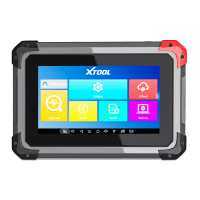
After contacting your XTOOL Support to change the language configuration, you need to download all the software
packages on the device again.
When the subscription expires, the software has installed on your device itself still is available, but all updates will be invalid.
If you delete specific software due to the personal operation, XTOOL is not responsible for supporting the restoration of the
software when the subscription expires.
To renew your subscription, please contact your local dealer, or contact XTOOL technical support team directly.
When you choose to restore factory settings in the Android OS system, the device will automatically erase any custom
settings and data, restart and then enter the factory reset mode.
A factory reset is triggered by clicking the Settings mode from the main home page, and then clicking on “Backup & reset”.
Follow onscreen prompts to initiate the factory reset process.
Once the scan tool resets to factory default settings it will start up and then you can select the language in the following
interface.
After selecting the system language, click Next to enter the Wi-Fi connection page, as shown below:



 To Next Page