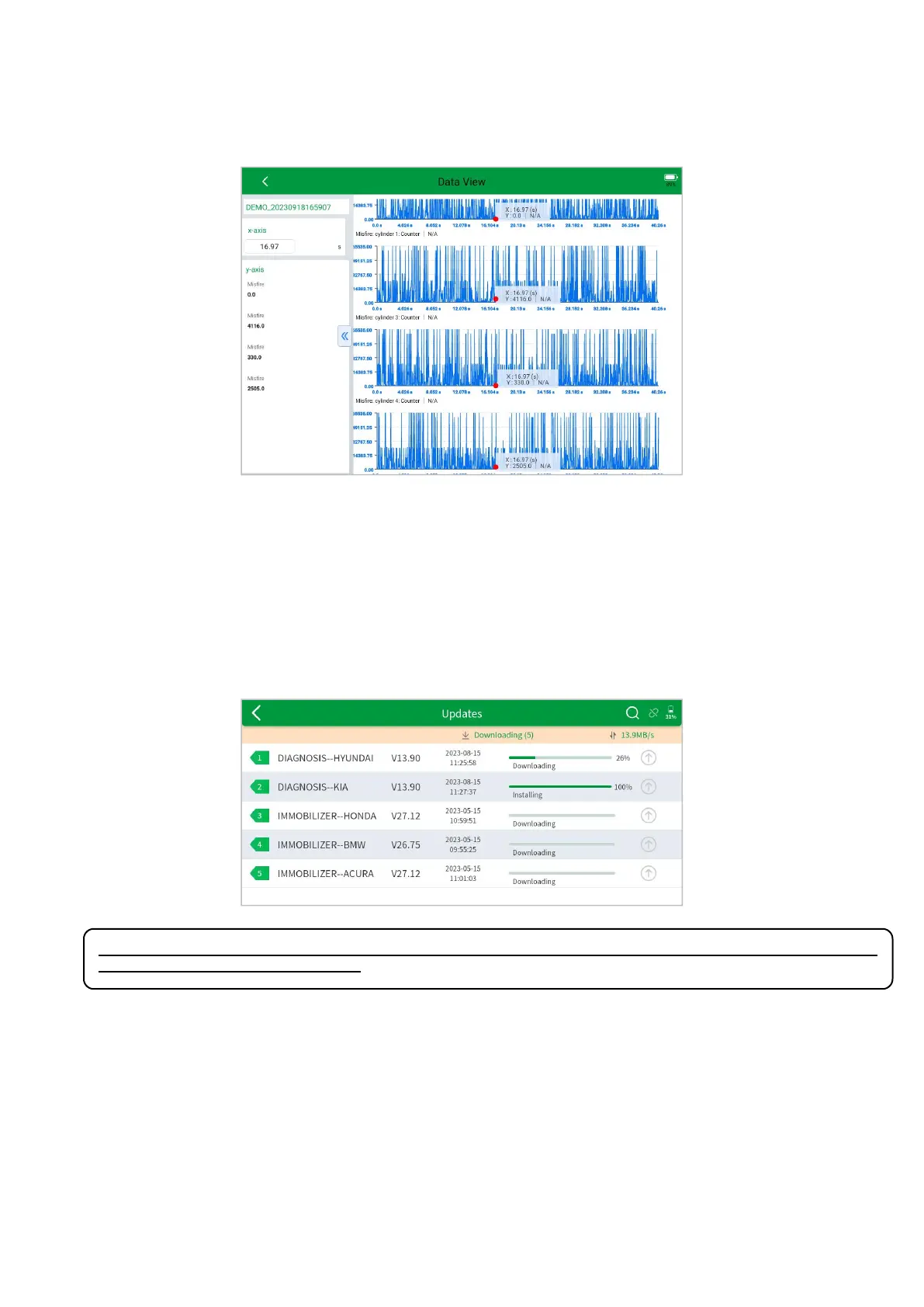
Select the PREVIEW, and you will go to the DATA VIEW page directly. If you need to stay the Live data page, then
you can click the SAVE.
8. UPDATE
UPDATE SOFTWARE
After activating the device, please update the software modules identified in the "Updates" screen. The device will
identify all currently available software packages, and you can download them as needed. ALL software updates directly
via the Internet. To access the update application, open the Diagnostic application and click Updates to enter the screen
shown below:
⚠ After contacting your XTOOL Support to change the language configuration, you need to download all the
software packages on the device again.
Cautions
When the subscription expires, the software has installed on your device itself still is available, but all updates will be
invalid. If you delete specific software due to the personal operation, XTOOL is not responsible for supporting the
restoration of the software when the subscription expires.
To renew your subscription, please contact your local dealer, or contact XTOOL technical support team directly.



 To Next Page