English
155
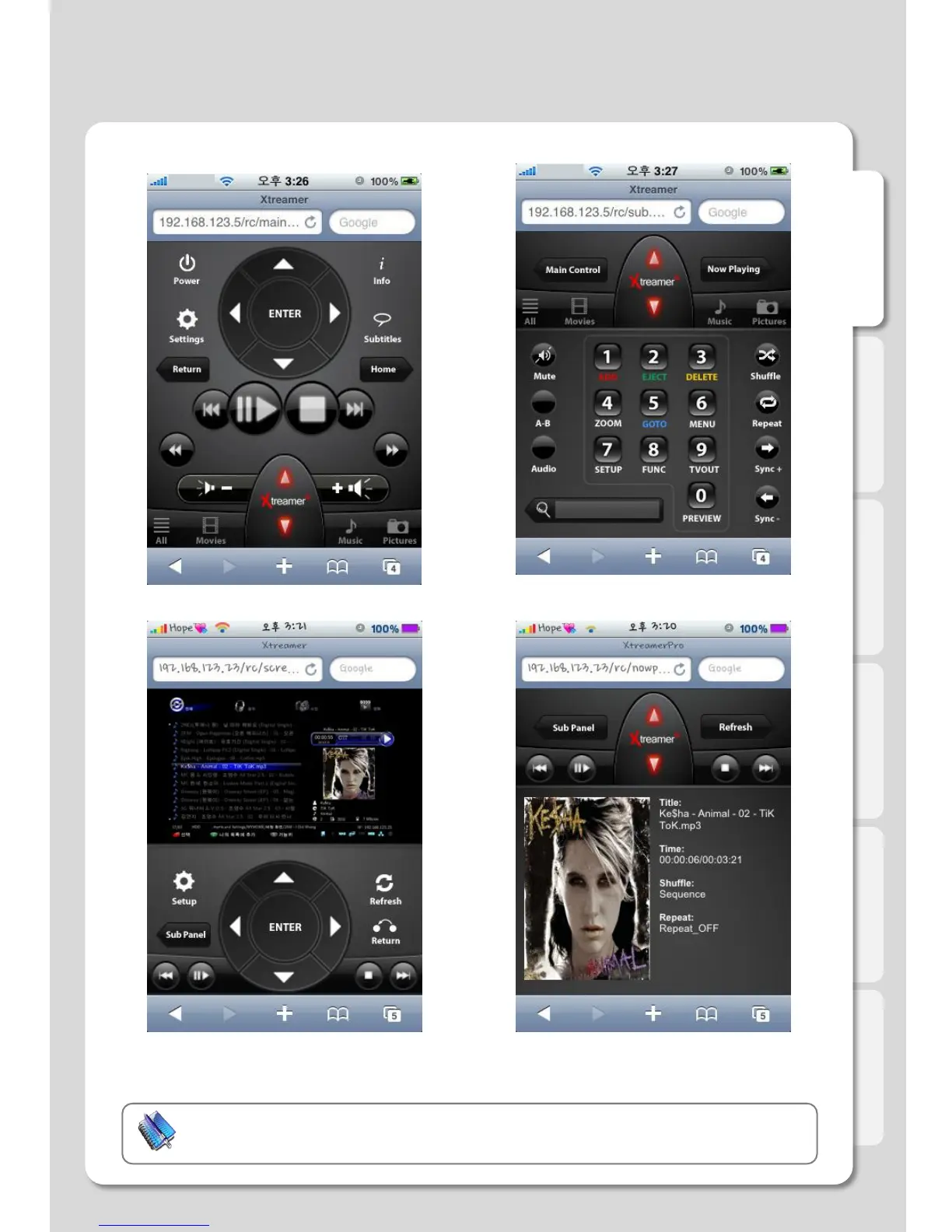
Main Remote Control Sub Remote Control
If you press the screen, you will be able to look at
Xtreamer screen (refer to the above image).
Click [Refresh] button in order to renew the screen.
If you click [Now Playing], it will show
Album Arts included in MP3.
Note
Black screen will be captured if using “Screenshot” function during video playback.
Major Function
How to use “iPhone remote” function



 To Next Page