English
98
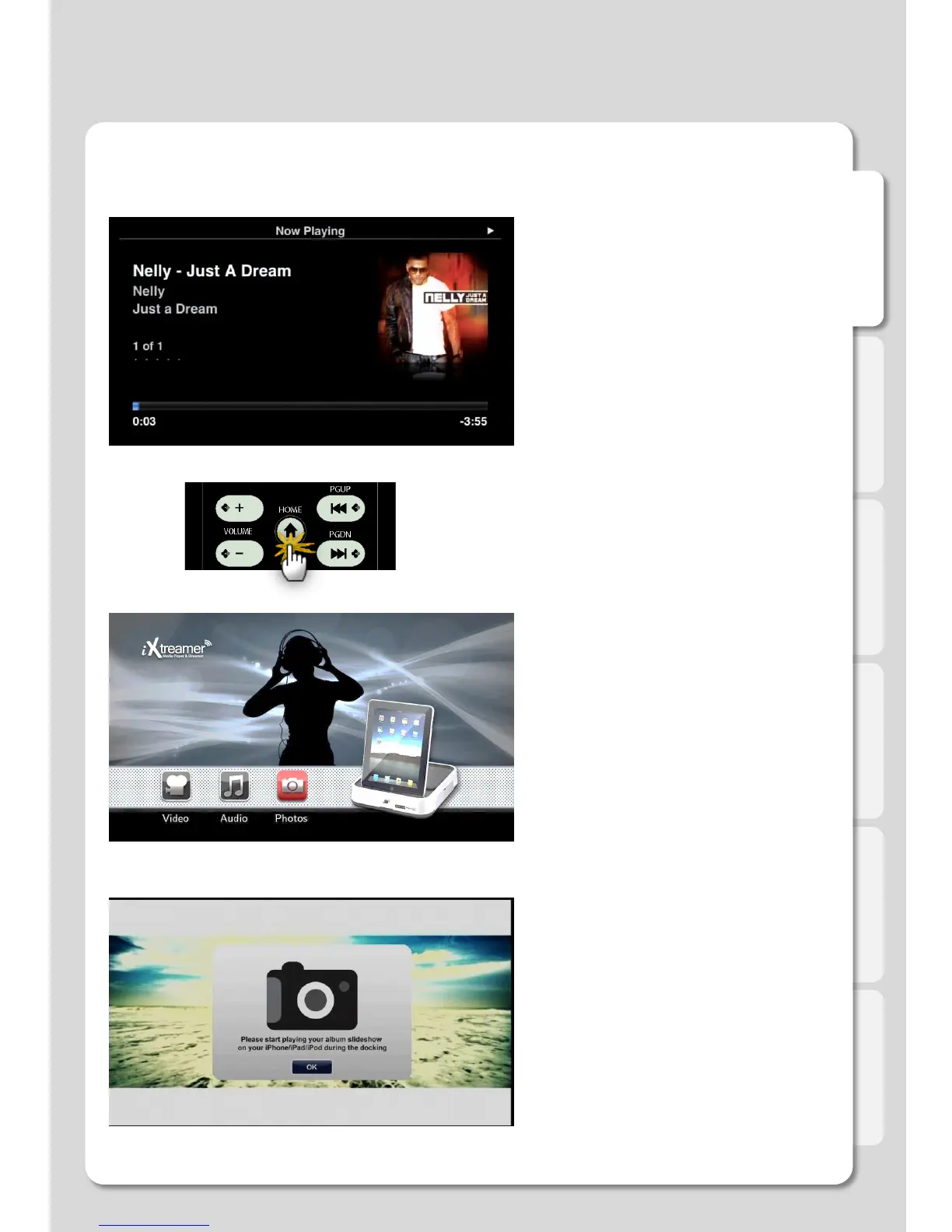
Using Audio and Photos simultaneously.
Enjoy a Slideshow with background music.
1. First, choose and play an audio file.
2. Press Home button to return
to the DOCK main screen.
3. Select Photos menu and use your iPhone to
start a Slideshow.
4. Now you can enjoy your Slideshow and listen
to the music at the same time.
Major Function



 To Next Page