English
74
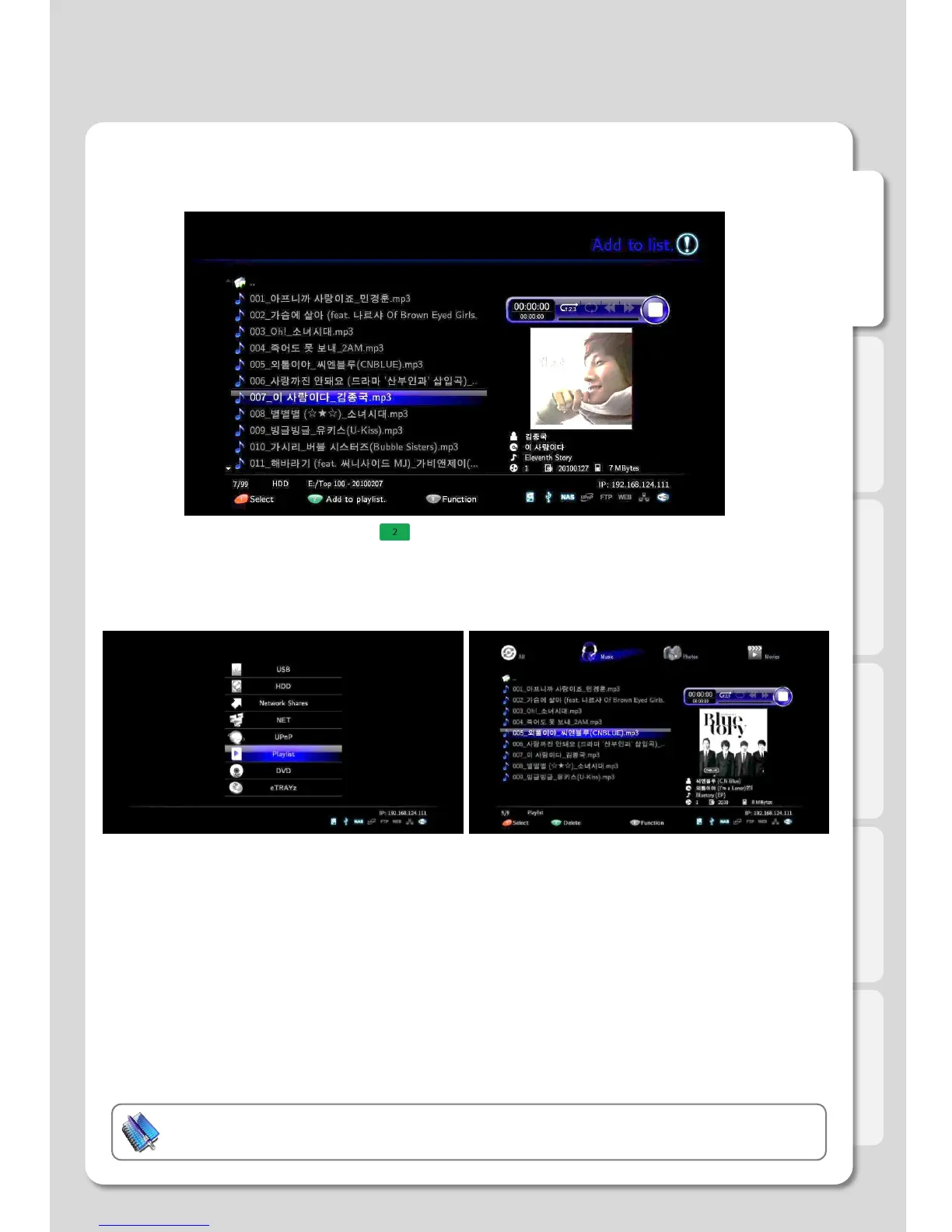
7. Add files to Playlist by pressing button, [2] after all selection once completed.
You will be able to add files to other folders in succession.
8. Select [Media Library] – [Playlist] in order to check
if files added up properly or not.
9. Check all additional items, and then confirm the
[Autorun] function is working well by rebooting.
Important:
This function only works with an internal HDD.
Major Function
How to use “Auto run” function



 To Next Page