Another way to access and control your applications is via SETTINGS -> SYSTEM -> APPS!
There you can disable notications, clear data, move applications from internal storage etc.
SEARCH
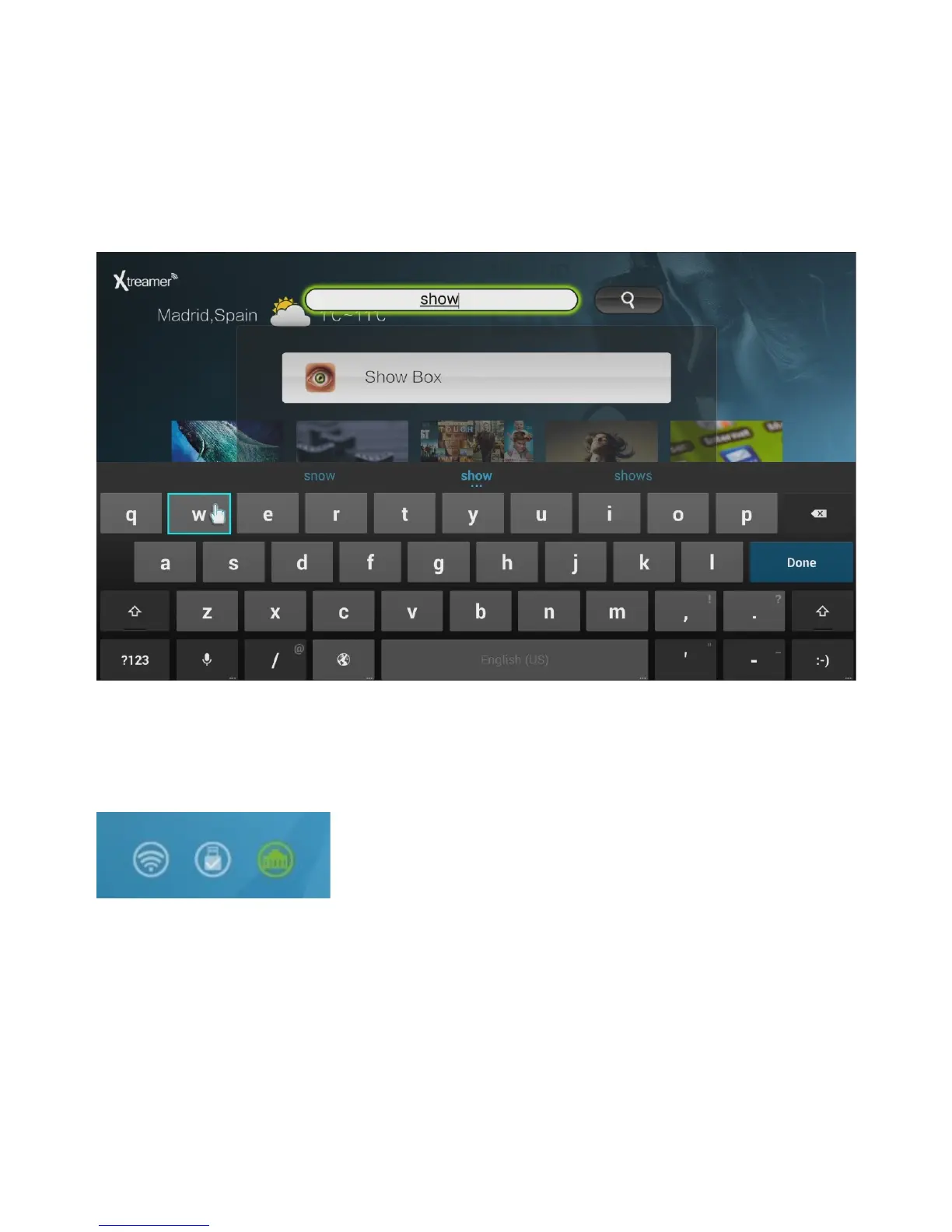
Use Search on the Main Menu screen for the fast access to any installed application.
The icons in the bottom right corner of the main screen indicate Wi-Fi connection, presence of a
USB\Internal storage and LAN.
Please note: as on any Android device it is advisable to clean its memory once in a while to get rid
of the apps you are not using. To do so navigate to SETTINGS -> CLEAN UP. Use TASK KILLER to
stop the apps you are not using at the moment.
!
"
!#$%&'(&%!)%*+,-.!/0!12&%!-1,+&3k



 To Next Page