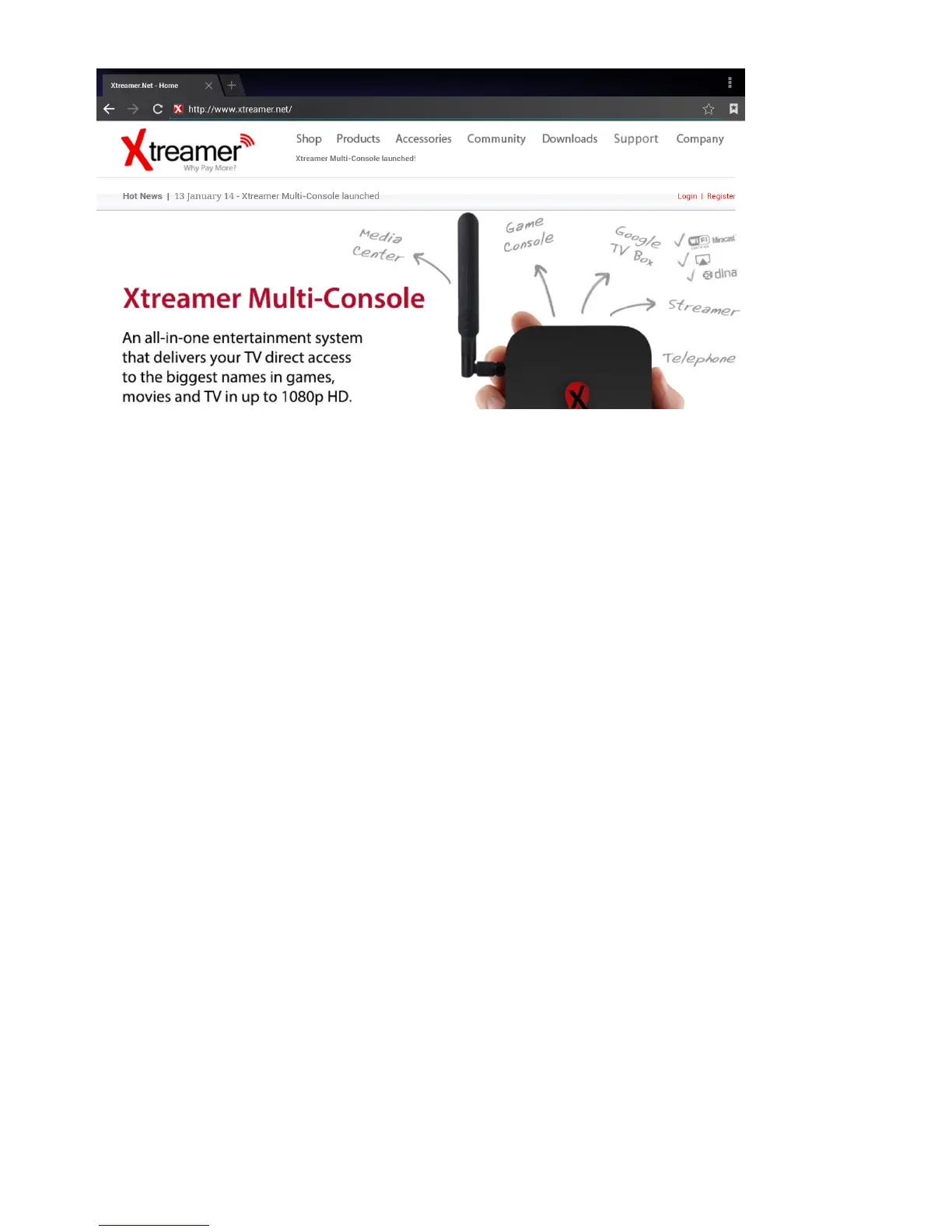
As with any other service you can install another browser app should you prefer to.
Useful Tip: with Google Chrome it is possible to sync any bookmarks that you have saved. It
means that you can now keep your favorite bookmarks (from any account and any device) at your
ngertips. Additionally you can override a browser’s text size, thereby enabling you to easily zoom
in and out of Web articles.
Cable TV
The most unique Prodigy 4K feature is its ability to record from any source connected to the HDMI
IN port. Connect your cable TV box (or any other HDMI capable device), switch the both machines
on and press on the CABLE TV button or on the CABLE TV tab on your Main Screen.
The options tab allows you to choose where to save the recorded les, in which resolution and
format.
Note: Press MENU to bring up the Options at any time



 To Next Page