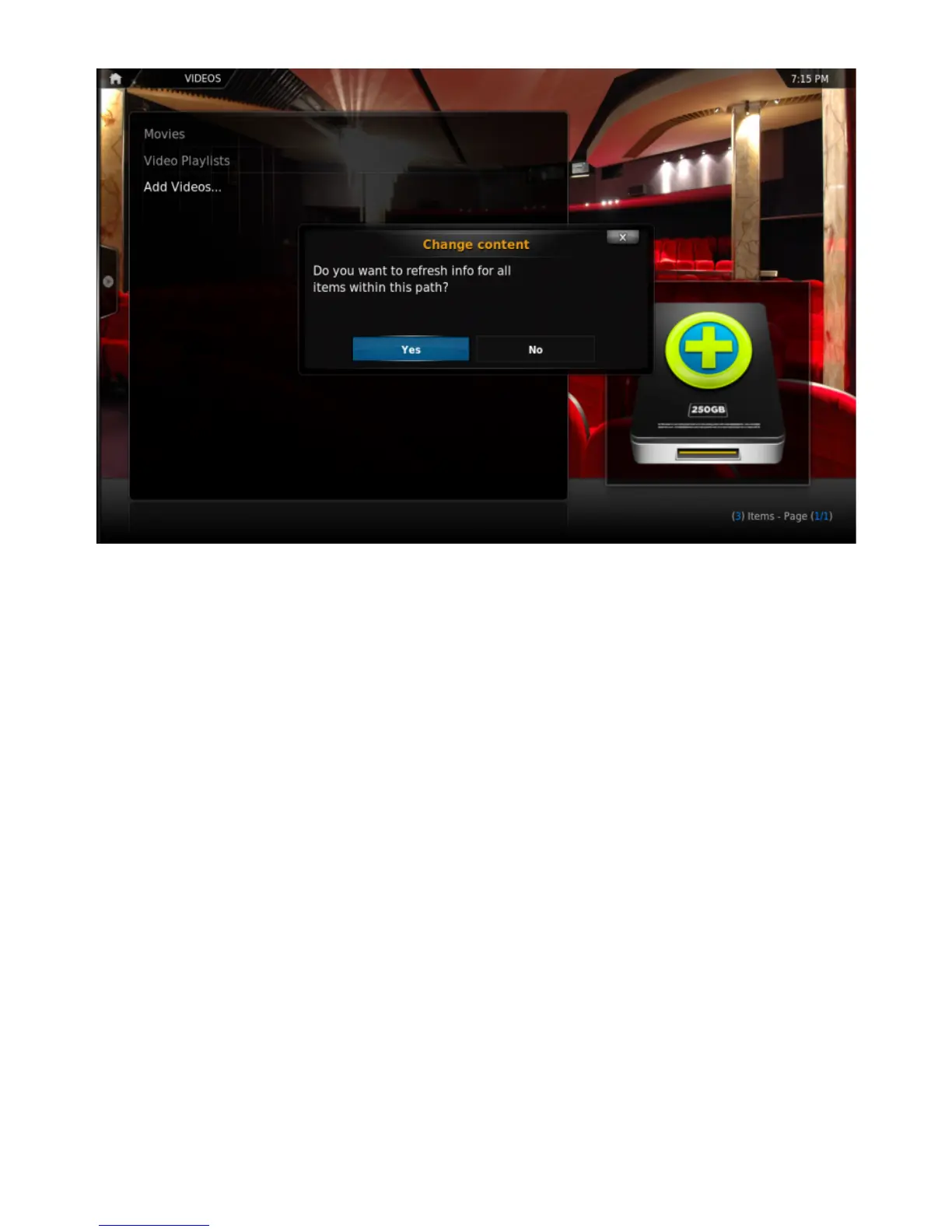
Step 8:Press Yes the scan the content to the library (if no is pressed, it can be scanned later).!
Adding Music Files
In order to be able to include information on your music collection in the library, KODI needs your
music to be tagged. When your collection is scanned, KODI stores all the tagging information
(artist, album, year, genre, etc.) in the database which allows you to efficiently search and manage
your music collection. Today most media applications and players (e.g. iTunes / iPod) organize
music by this ID tag information.
!
Adding Pictures
Adding sources for yourpicturesfollows the same method as adding other media sources. From
the Home Page navigate to Pictures, select Add Source and browse to the location of your picture
les.
!
Settings
While most device options are congured in the System Settings, you can tweak some of them in
the KODI System tab.



 To Next Page