•
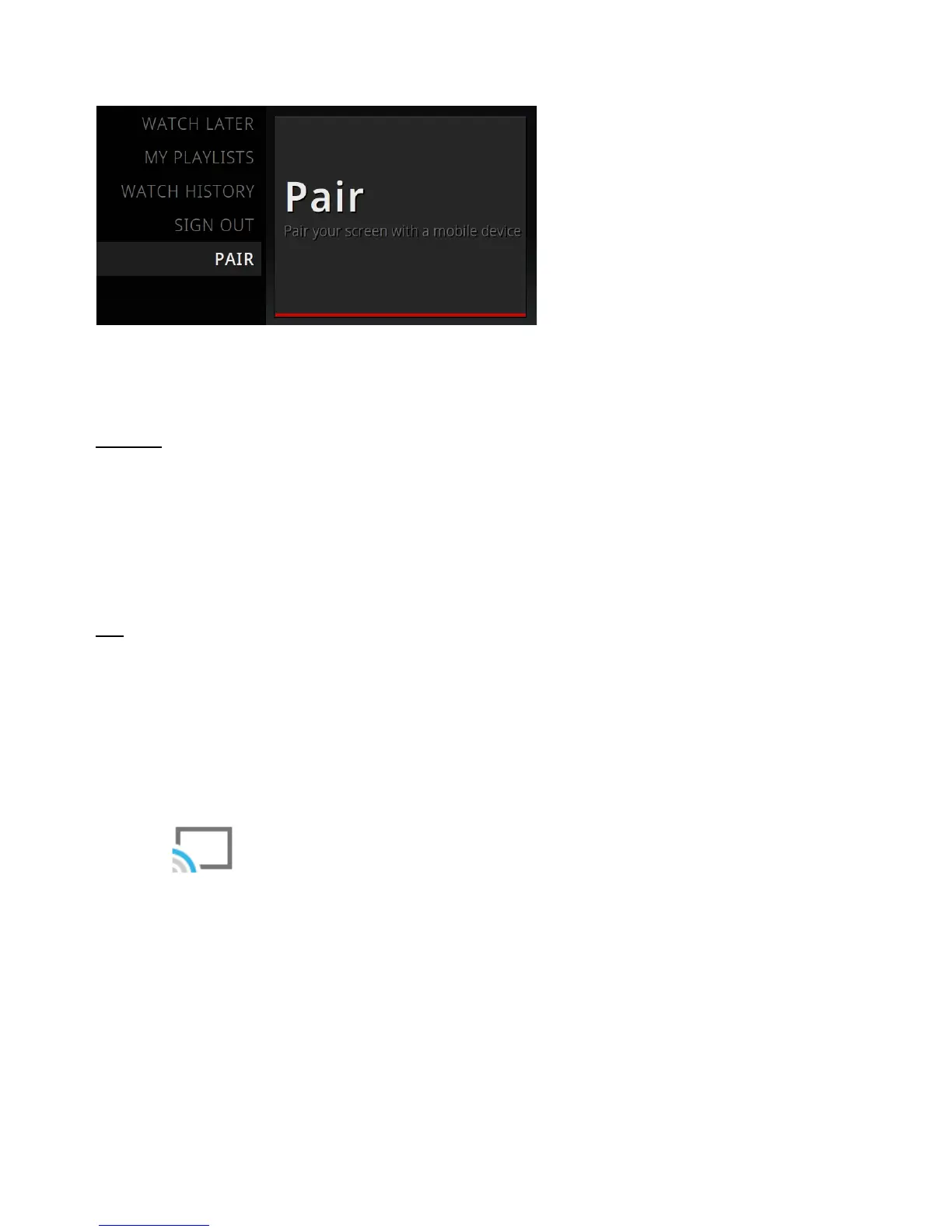
Scroll to the Pair device screen.
Step 2: Enter the pairing code
Android
•
Launch the YouTube Android app.
•
Go to Settings.
•
Select Connected TVs then select Add a TV.
•
Enter the pairing code shown on your Xtreamer.
iOS
•
Launch the YouTube iOS app.
•
Go to Settings.
•
Select Connected TVs.
•
Enter the pairing code shown on your Xtreamer.
Click the icon to select the display on which your video will play.
Once the procedure is complete you can use your mobile device to control the application on
your TV.



 To Next Page