English
21
Network
Settings
Set up Wired or Wireless Network
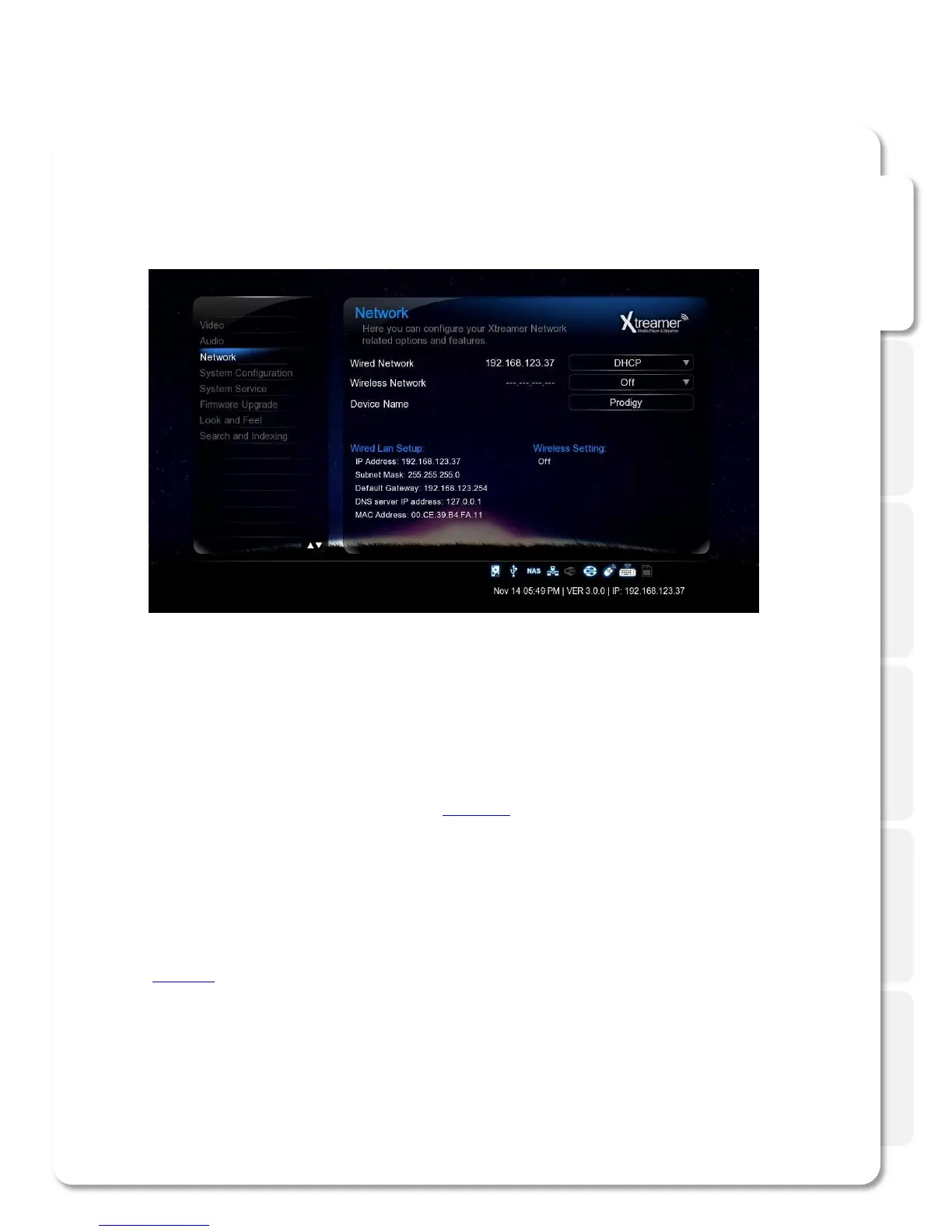
On the Settings -> Network screen you can setup your Xtreamer SideWinder 3 to connect to your home network.
You can use Wired or Wireless connection and give your Xtreamer a specific name under which it will appear on your
Network.
Refer to the dedicated section of this guide (or refer to this article) for setting up network on Xtreamer SideWinder 3.
Accessing your Computer
Please note that in order to access your home computer you will need to set up Shared folders.
Check the dedicated section below.
If you want learn how to setup shortcuts to NFS shares on Xtreamer SideWinder 3, please refer to the dedicated section
( refer to this guide).



 To Next Page