English
34
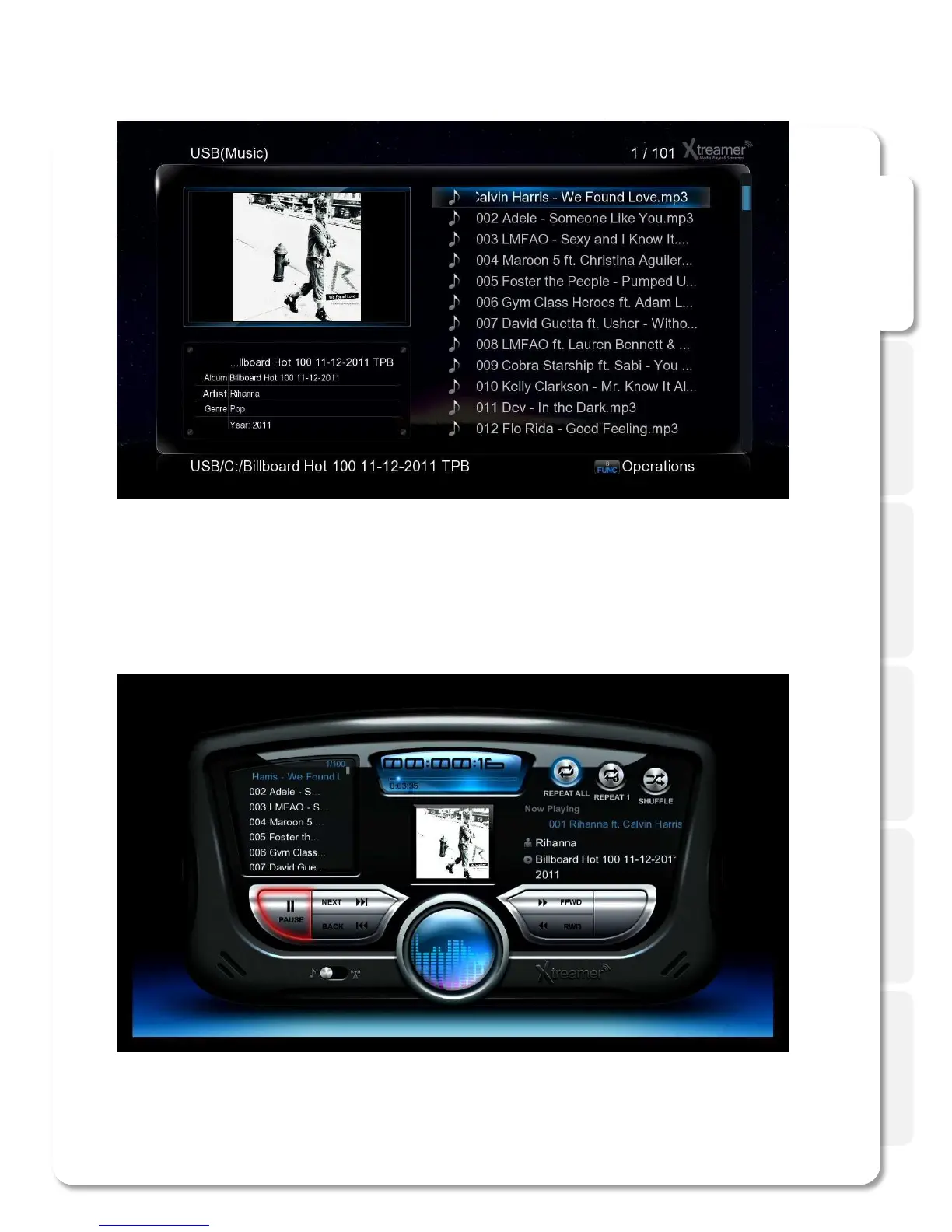
Play Music
While playing music press MENU (6) to open a list of options including repeat options such as play once,
repeat all and so on.
Press SHUFFLE to toggle random playback.
Start the playback to initiate music jukebox.
You can use Cursor keys to navigate or regular command buttons such as Play, Pause, Fast-forward etc.
Press RETURN to go back to the media library file list.



 To Next Page