English
26
Settings
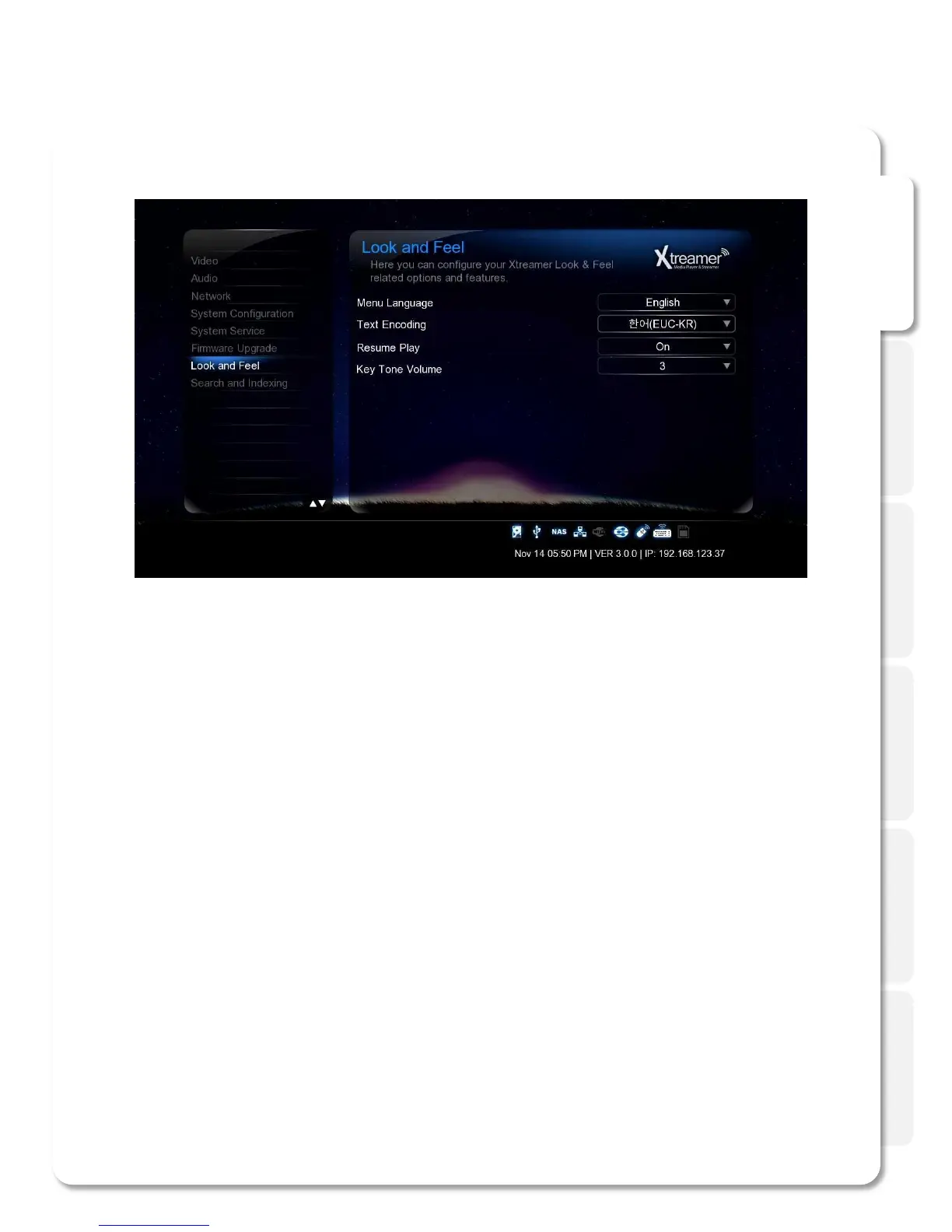
Text Encoding
You can specify the language used in subtitle files and ID3-tag in Mp3 files. Unicode [UTF-8] is an industry
standard, and is set as default . If you are not using Unicode encoded files, select your preferred language.
Menu Language
You can specify UI language and enjoy operating the Xtreamer in you native language.
Resume Play
You can begin playing Xtreamer from the point where you previously stopped it. Your system saves a
record of the scene that was playing when you stopped playback so it knows where to resume playing.
Key Tone Volume
Use this option to regulate the sound the player makes when you are pressing the remote buttons.
Look and Feel



 To Next Page