English
32
Play Movies
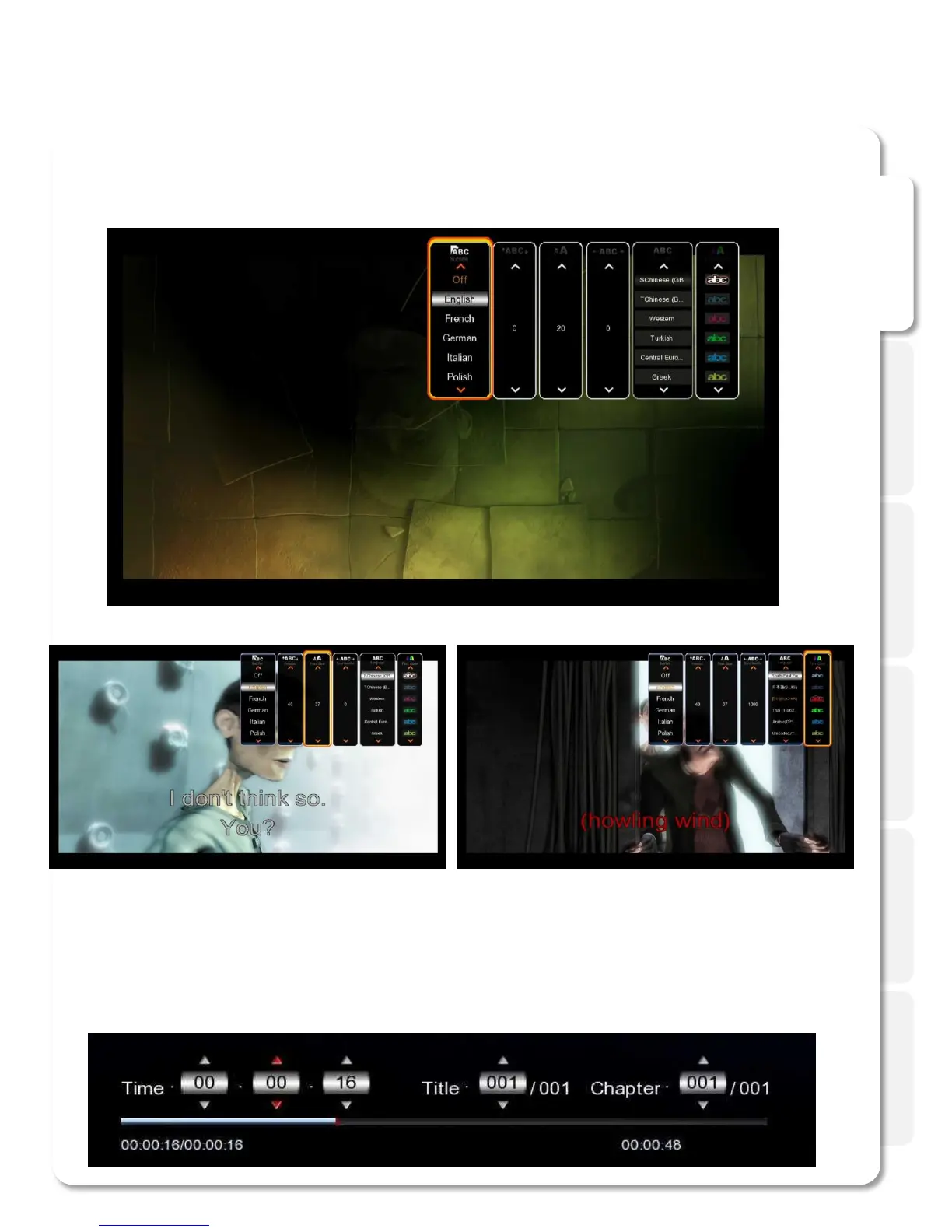
Subtitles button will open the subtitles browser that will allow you to customize the way your subtitles
look on TV and switch the subtitles file if needed. It allows you to open an external file, change the color or
the font, outline, change the size and encoding etc.
GOTO button provides additional options for navigation.
1. Title: It shows movie title lists and change playback file.
2. Chapter: It provides moving to next (or previous) Chapter.
3. Time: It provides moving to the point where you want to start from.



 To Next Page