English
96
Firmware Upgrade
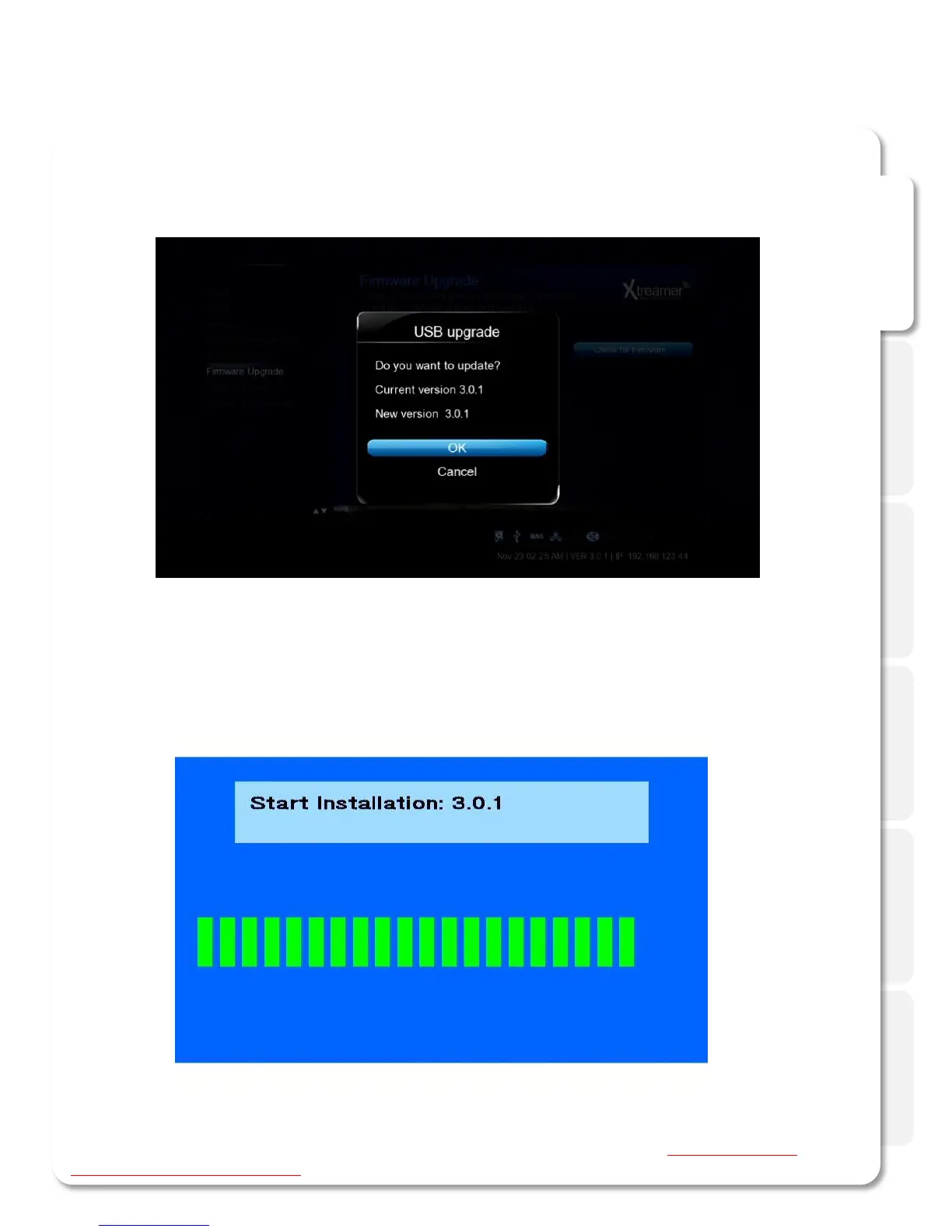
Once the upgrade file is detected, press OK to start the procedure.
Once the procedure is finished the SideWinder 3 will reboot.
Make sure to reset your player to factory default settings after a firmware upgrade (Settings -> System
Configuration -> Restore Default).
Please be patient, the process takes time.



 To Next Page