EasyManua.ls Logo

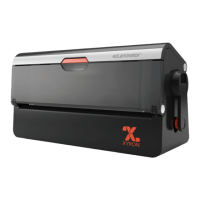
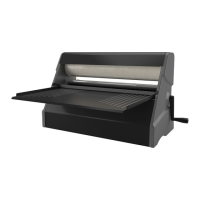
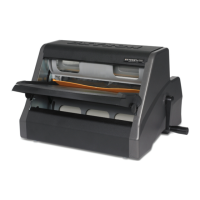
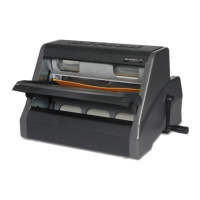
Xyron ezLaminator - Getting to Know Your Xyron ezLaminator; Key Machine Components

Xyron ezLaminator
6 pages
Print Icon
To Next Page IconTo Next Page
To Previous Page IconTo Previous Page
Loading...
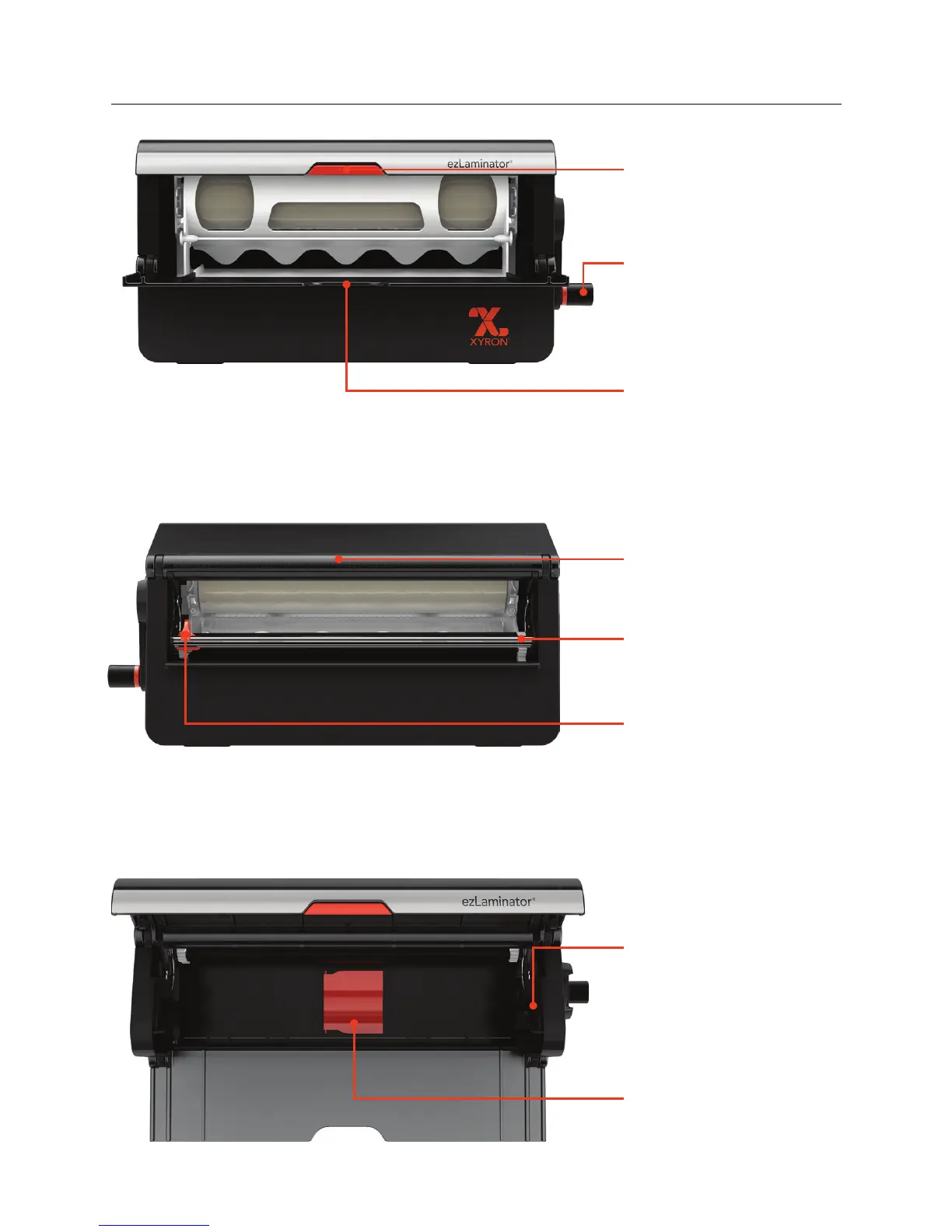
Cartridge Track:
When installing rell
cartridges, the track
guides the drop-in
cartridges into place.
Button:
Opens cartridge
compartment.
Carry Handle:
Grip this area to carry
your machine.
Cut Bar:
Holds nished materials
in place.
Cut Blade:
Slides to cut nished
material after it exits the
machine.
Handle:
Advances items through
the machine. Turn
clockwise.
Feed Tray:
Use with the alignment
guides printed on the tray
to feed items into the
machine.
5” Adapter:
Flips up to utilize Xyron
®
5” cartridges.
Getting to know your Xyron ezLaminator
®

Other manuals for Xyron ezLaminator

Related product manuals