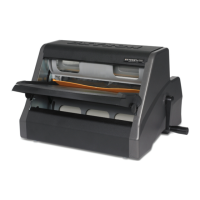
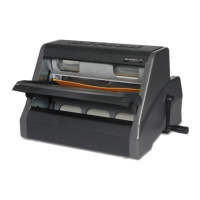
Loading and Unloading 9” Cartridges
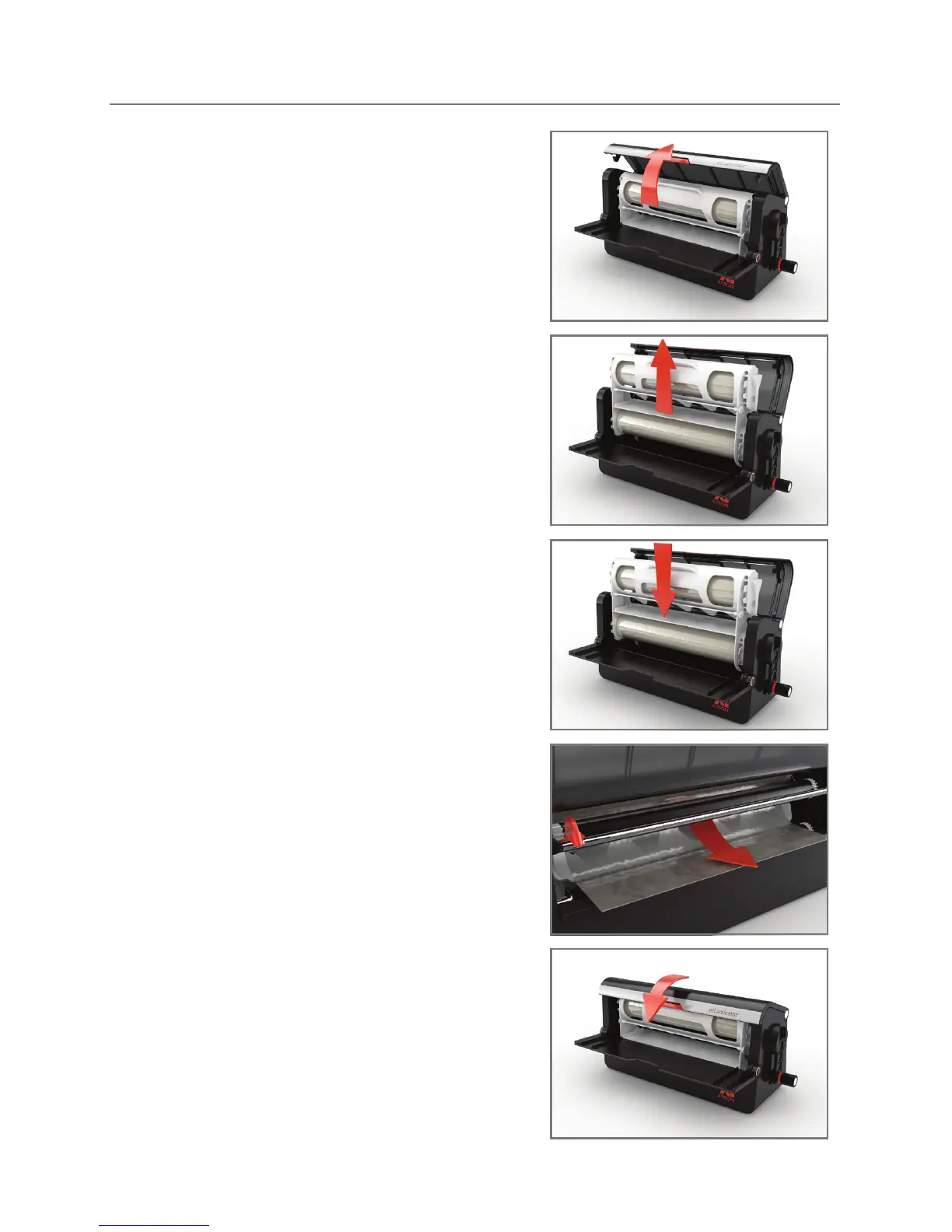
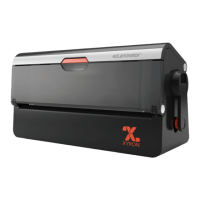
Open cartridge compartment by pushing
button and lifting the lid.
Pull cartridge up and out of the machine.
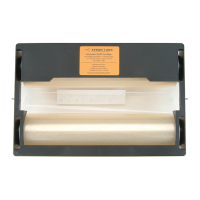
To replace, ensure the label on the rell
cartridge is facing you, drop the cartridge
into the machine using the track as a
guide.
Place material ap between the
2 black rollers.
Close the lid by pressing down until it
clicks.
* Your ezLaminator comes pre-loaded with a Two-Sided
Laminate Rell Cartridge.


 To Next Page