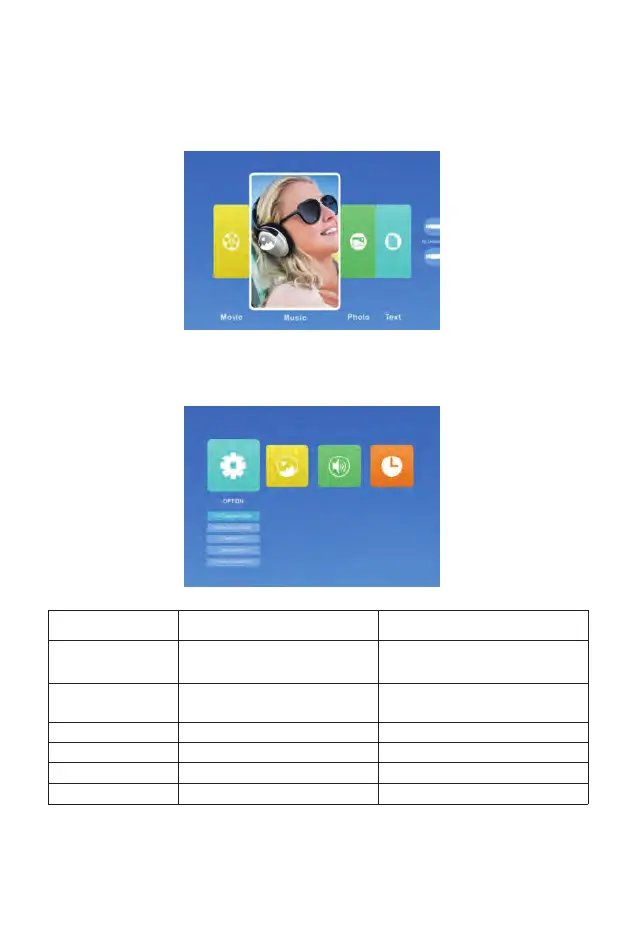
Setting the Main Menu:
Press the "MENU" button on the projector or remote control, there are 4
menu options: "Movie", "Music", "Photo", "Text".
OPTION Menu included Function
OSD Language
Restore Factory Default
Blending
OSD Duration
Blue Screen
Software Update (USB)
20 kinds of languages:English, France,
Italian, Spanish, Japanese etc
Reset
Off, Low, Middle, High
Off, 5Sec, 10Sec, 15Sec
On, Off
Update software
Choose a language
Reset the device to original
manufacturer settings
Adjust the sound quality
Adjust the on-screen display time
Adjust the background color of the screen
Update software
Option Menu



 To Next Page