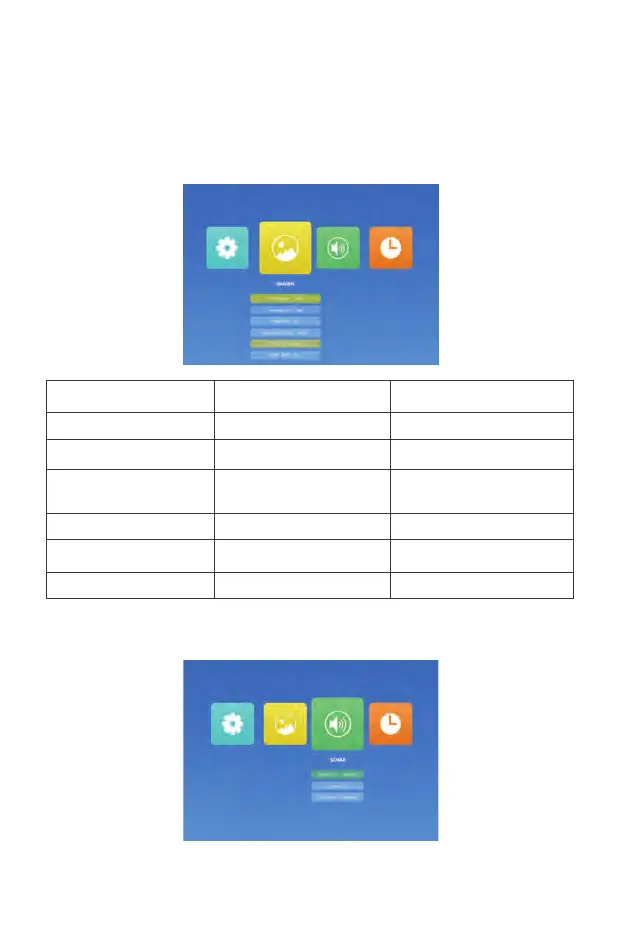
CONFIGURACIÓN DEL MENÚ PRINCIPAL
IMAGEN MENU
Presione el botón "M" (menú) en el proyector o en el mando a distancia.
Hay 4 opciones de menú: "IMAGEN", "SONAR", "HORA", "OPCIÓNES"
Modo Imagen Soft
IMAGEN
Modo
Función
Estandar /Soft /Usuario/ Vivid
4 modos de imagen.
Temp.de Color Med
Med / Callente / Usuario / Frio Ajustar la temperatura de color.
Aspect Ratio
Auto/ 4:3/ 16:9
La relación de aspecto le permite
configurar cómo se muestran las
imágenes.
Noise Reduction Middle
Apagado / Baj / Middle / Alt / Default
Ajuste el modo de reducción de ruido.
Dirección de prey Frontal
Frontal, Invertida, Frontal/techo,
Invertida/techo
Ajustez la direction de projection.
Escalado de panta 100% 75%-100%
Reducir el tamaño de la
SONAR MENU



 To Next Page