41
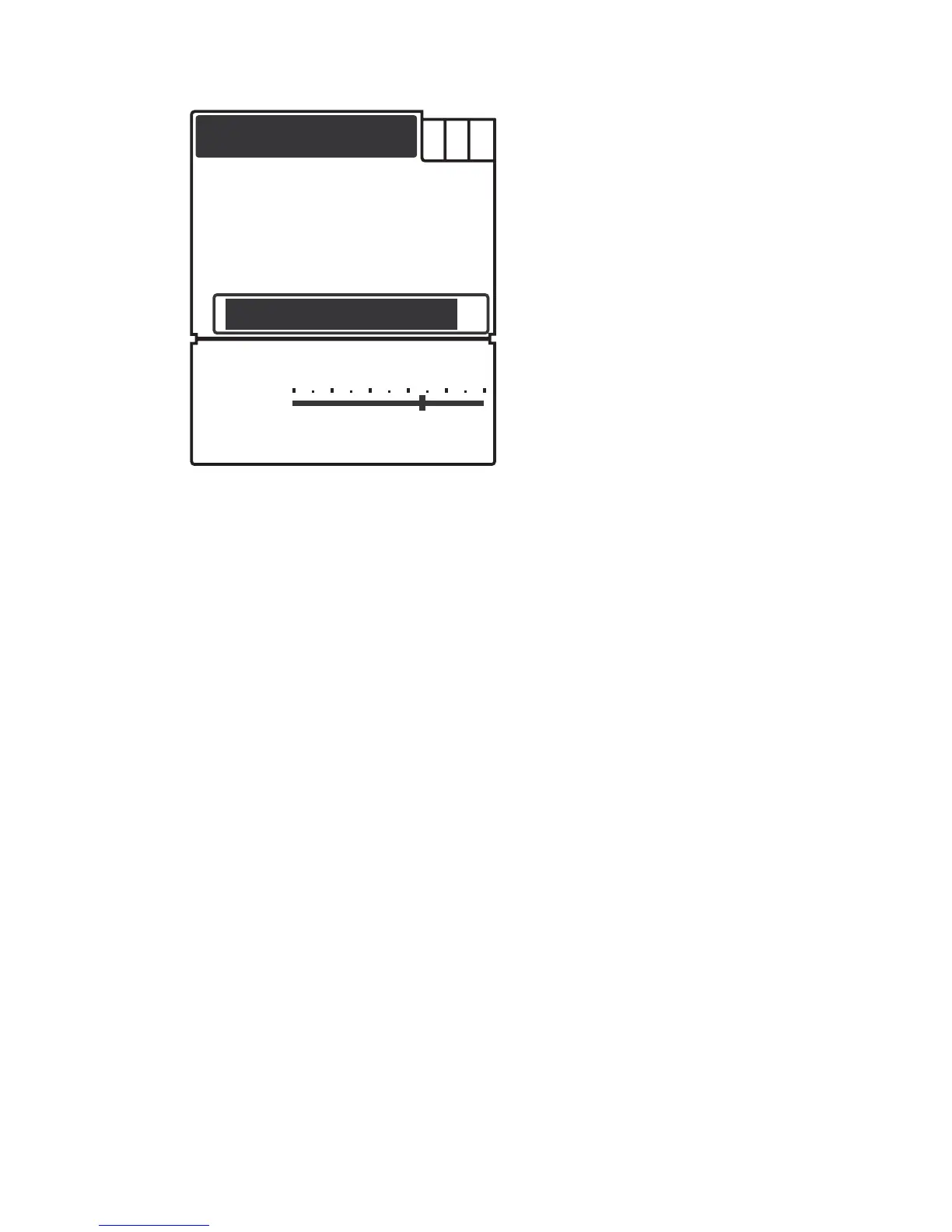
To set the Fish ID. Sens.:
1) Press Menu to enter into menu setting.
2) Repeatedly Press Menu to switch to SONAR menu.
3) Use the Up / Down Arrow to select Fish ID. Sens. option.
4) Press Ent to enter into setting.
5) Use the Up / Down Arrow to select the option.
6) Press Ent to confirm the setting.
7) Press Exit to exit the setting.
SONAR
Sensitive
Noise Filter
Magic GrayLine
Fish ID. Sens.
2


 To Next Page